











Teams Contact Center Powered by Luware

Revolutionize customer service with a Microsoft Teams powered contact center

Add flexible call flow management and routing to drive productivity and customer satisfaction with Momentum’s Contact Center solutions for Microsoft Teams, powered by Luware.
Why Choose Teams

Take full control of your customer journey with Microsoft Teams

Improve engagement

Create a unified, optimized, and consistent experience for your customers. Build stronger customer relationships through better communication and personalization.

Empower employees

Increase productivity, flexibility, and autonomy with a comprehensive suite of self-service tools and features accessible from entirely within Microsoft Teams.

Enhance operations and decision-making

Streamline workflows with intelligent optimization and gain insights into contact center performance through powerful reporting and analytics.

Trusted by 30,000+ locations globally

download ebook

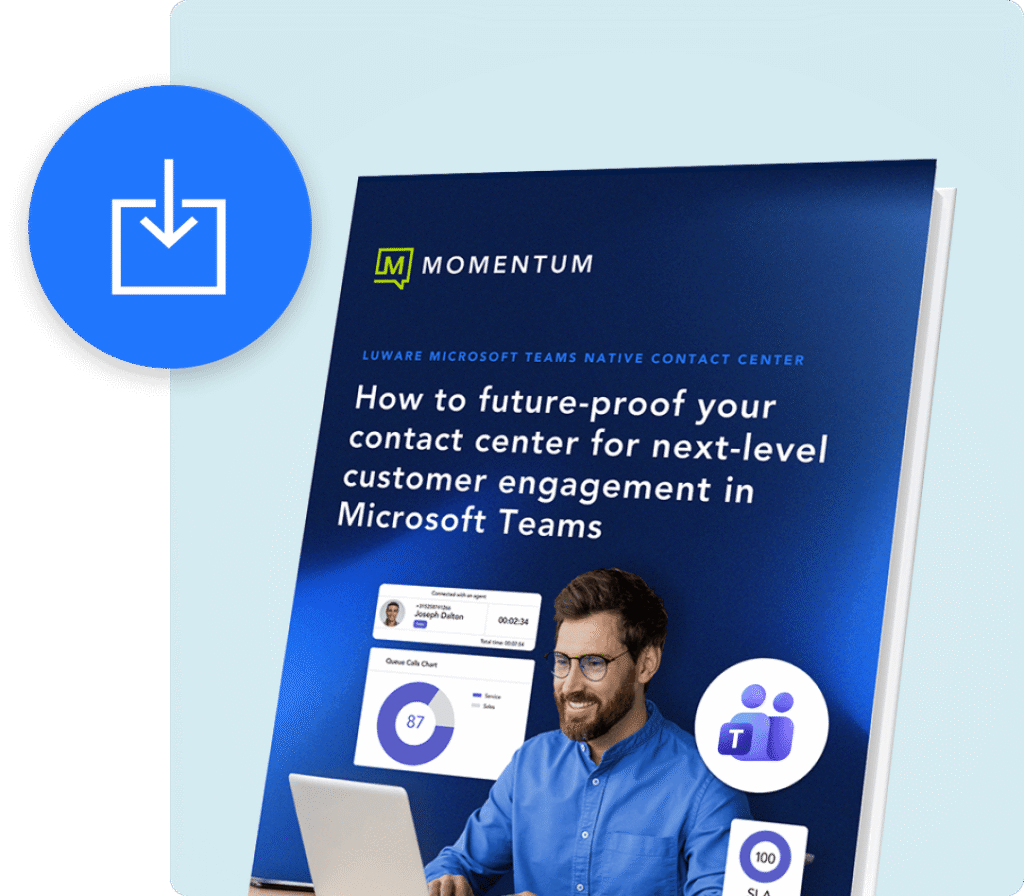
Future-proof your contact center for next-level customer engagement in Microsoft Teams

Download our ebook and learn how to optimize and future-proof your contact center using Microsoft Teams’ powerful capabilities.

Unify customer interactions and make better decisions

Advanced call routing

Configure multiple transfer options then route each caller to their destination with a single click.

Conversation recording & compliance

Record, store, and manage customer conversations to support compliance, quality assurance, and dispute resolution.

Skill-based call distribution

Decrease wait times by getting callers to the correct agents with skill-based call distribution.

Intelligent self-service & IVR

Guide callers with smart IVR and automated workflows that reduce wait times and route issues faster.

Real-time analytics & supervisor visibility

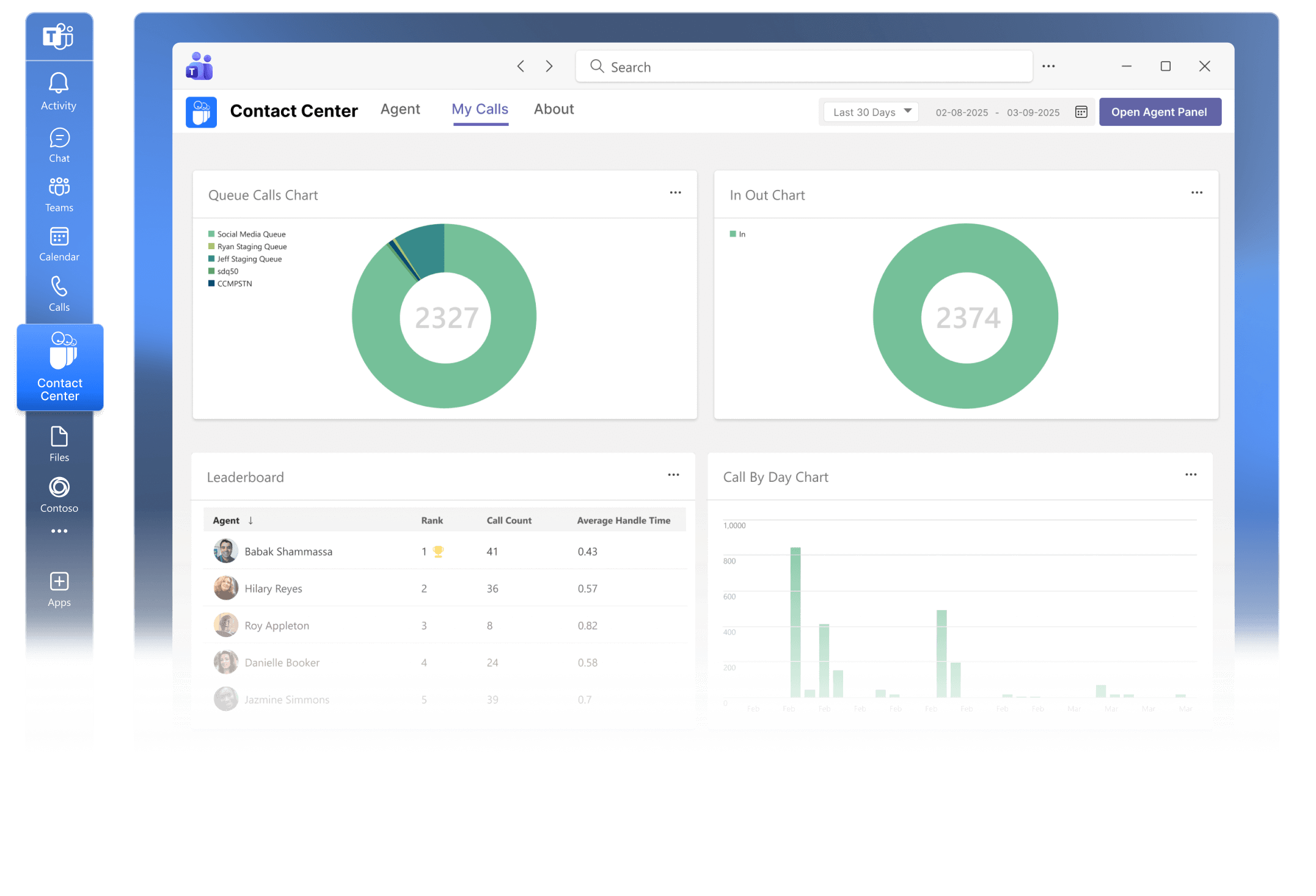
Monitor queues, agent performance, and customer experience in real time with actionable dashboards and reports.

Teams-native agent experience

Agents handle calls and customer interactions directly inside Microsoft Teams without switching tools or interfaces.

Connect with your customers at every touchpoint

Give contact center teams intuitive communication and productivity tools designed to improve agent performance and customer experience. Momentum and Luware integrate advanced contact center capabilities directly into Microsoft Teams.

Industry Use cases

Contact center solutions for streamlined communication and collaboration

Momentum delivers Teams-based contact centers that centralize voice and chat for faster, more efficient interactions.

Healthcare

Simplify patient access and scheduling

Centralize inbound calls across hospitals, clinics, and departments to reduce wait times and route patients to the right care team faster.

Enhance care coordination

Integrated Teams-based communication connects nurses, billing, and admin staff within one secure environment, improving collaboration and follow-up accuracy.

Protect sensitive patient data

HIPAA-compliant voice, chat, and recording capabilities ensure every patient interaction meets privacy and regulatory standards.

Retail

Unify customer communication across all channels

Momentum’s Teams-integrated contact center consolidates voice, SMS, and chat for faster responses and consistent service across every location.

Resolve issues faster

Intelligent routing ensures customers connect with the right department or person immediately, improving customer satisfaction and retention.

Gain insight into service performance

Integrated analytics reveal call trends, agent efficiency, and customer sentiment for continuous experience improvement.

Manufacturing

Streamline communication with customers and partners

Bring orders, support, and vendor coordination into one centralized Teams-based contact center.

Accelerate issue resolution

Smart routing and automated alerts connect the right plant, logistics, or service team instantly when customers report problems.

Track performance across operations

Real-time dashboards provide visibility into call volume, response times, and resolution metrics across multiple facilities.

Engage with Momentum

Momentum empowers your business with the tools it needs to thrive. Enhance productivity and drive growth with custom solutions for connectivity, communication, engagement, and more. 

Carriers & Service Providers
0 +
Enterprise Locations Served
0 K
Cloud Voice & Managed Network Seats
0 K+
related products

Explore Momentum’s other engagement solutions

Support your customers with a customized Teams contact center solution

Give employees the functionality they need and customers the support experience they deserve. Let Momentum show you how.

FAQ

Teams Contact Center frequently asked questions

What is a Microsoft Teams Contact Center solution?

A Microsoft Teams Contact Center solution extends the familiar Teams calling experience with full contact center capabilities, including voice, messaging, collaboration, and agent management. Momentum delivers Teams Contact Center functionality powered by Luware, enabling organizations to handle inbound and outbound customer interactions directly within the Teams interface while staying connected to the broader Microsoft 365 environment.

How does it integrate with Microsoft Teams?

Luware integrates natively with Microsoft Teams using Microsoft’s certified calling and collaboration APIs. Agents manage customer interactions such as voice and digital channels directly within Teams, with real-time access to call control, presence, and customer context, without switching between disconnected systems.

Do I need additional Microsoft licenses to use a Teams Contact Center?

Licensing requirements vary based on your environment and the features you need, such as analytics, call recording, or advanced routing. In most cases, you will need:

  • A Microsoft 365 license with Teams enabled for each agent
  • Microsoft Phone System and PSTN connectivity via Calling Plans or Direct Routing
  • Contact center licensing for Luware, typically based on agent count or usage

Momentum helps assess your current licensing and recommends the most efficient setup.

Is the Contact Center solution certified by Microsoft?

Yes. Luware is part of the Microsoft Certified Contact Center program, which verifies that the solution meets Microsoft’s standards for reliability, security, and performance within Teams. Using a certified solution simplifies deployment, support, and compliance alignment.

Can I use my existing phone system or PSTN carrier?

Yes. Luware supports Direct Routing, allowing you to retain your existing PSTN carrier or SBCs while operating the contact center fully within Microsoft Teams. Momentum designs and manages the telephony integration to ensure compatibility, performance, and coverage.

How can I set up call routing and IVR in Teams?
Luware provides a centralized management interface to configure call flows, IVR menus, greetings, and skill-based routing. You can route calls based on criteria such as intent, language, or agent availability, and optionally incorporate AI-driven self-service to handle common requests before reaching an agent.
 
Momentum
Chat