Business texting has become an essential part of customer engagement. Customers expect fast responses, simple updates, and convenient conversations. They also expect to reach a business through the same phone number they see online.
And the numbers don’t lie either. 93% of consumers text daily, while 45% check their text messages more than 10 times. Early adopters of AI-powered SMS are seeing significant uplifts as well, with 81% of businesses saying AI has improved their SMS marketing, saving them 4-6 hours every week.
Yet many organizations still rely on disconnected SMS tools, personal phones, or generic short codes that create an inconsistent and non-secure experience.
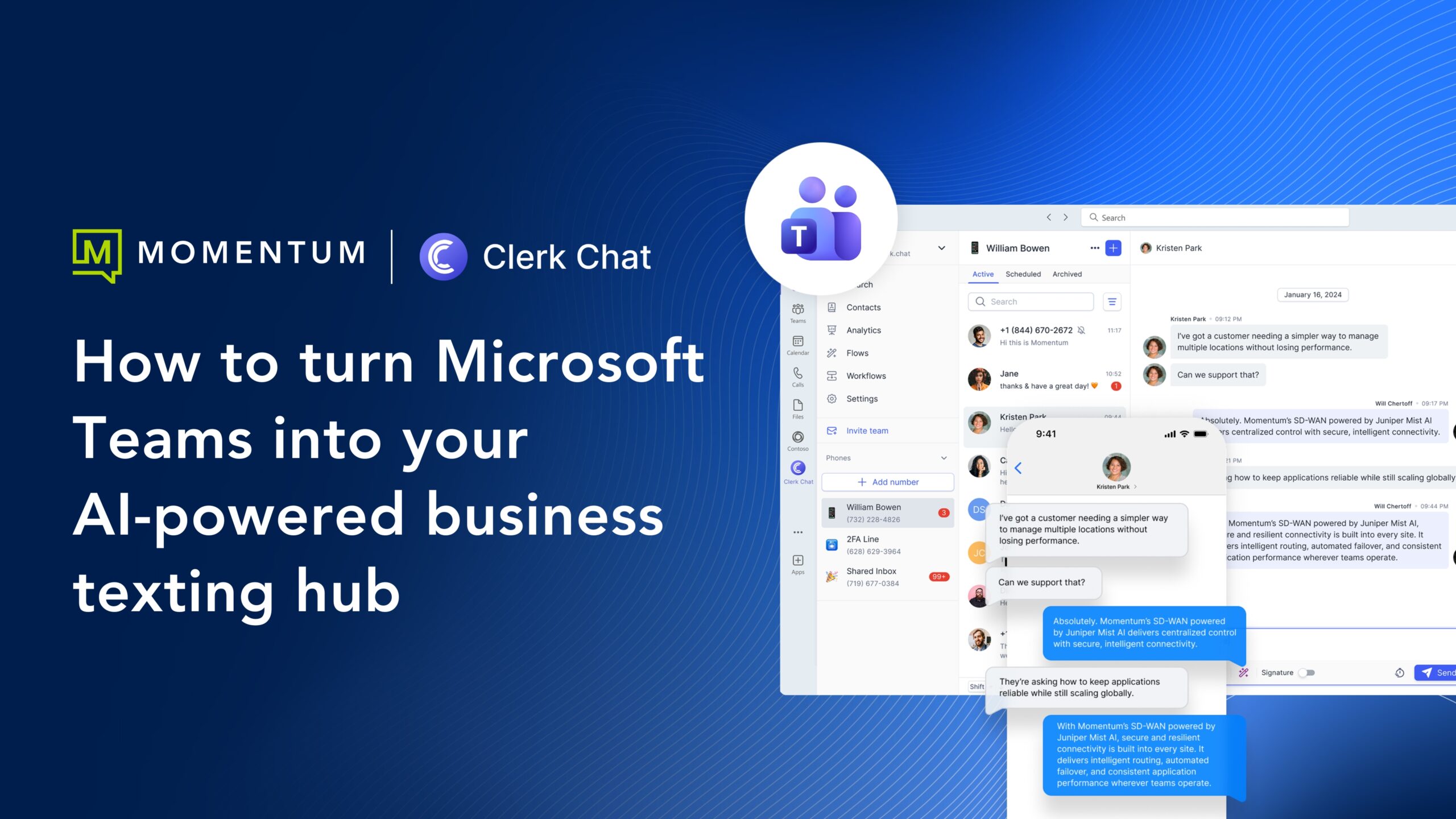
Momentum Messaging, powered by Clerk Chat, connects business texting directly to Microsoft Teams. It gives your staff a single place to manage conversations, automate repetitive tasks, and deliver a consistent, branded customer experience. This removes friction from daily communication and replaces scattered tools with one unified system.
Learn more about where companies get business texting wrong, the exact steps you can take to turn Teams into your AI-powered texting hub, and the impact a successful SMS strategy creates for both B2C and B2B organizations.
Why business texting is fragmented for most organizations
Most companies treat texting as an add-on rather than a core communication channel. A customer might text the number on the website and receive no response because the line only supports voice calls. Other organizations do have texting, but it runs through separate tools that don’t talk to each other.
This creates gaps that slow teams down and make the customer experience feel disconnected. The most common issues include:
Common issues with legacy texting
- Messages sent from unfamiliar numbers: Customers see random long codes or short codes that feel like spam.
- Staff relying on personal phones: This exposes sensitive information and creates compliance problems.
- Conversations split across multiple tools: No one has a full view of what was said or who replied.
- Teams operating without shared context: Marketing, sales, and support don’t see the same history.
- No central channel for internal coordination: Alerts, shift updates, and field instructions scatter across apps.
- No practical way to use AI or automation: When messaging isn’t unified, workflows stay manual.
When texting lives outside the core collaboration platform, every team loses visibility and speed. Customers feel that gap right away, especially when they’re waiting for updates or support.
Why Microsoft Teams is the ideal place for business texting
Most organizations already operate inside Microsoft Teams. Staff use it for meetings, chat, internal communication, and files. Adding business texting directly into Teams brings customer communication into the same environment.
This creates a seamless workflow where every interaction stays in one centralized place.
1. Customers can text your existing business number
Momentum can enable SMS on your current voice numbers. This means customers text the number they already know and receive a branded, trusted experience. There is no need for a secondary line, short code, or personal phone.
2. All conversations stay in Teams
Messages appear in a shared Teams workspace where staff can view, assign, and respond without switching platforms. Sales, support, operations, and finance teams all see the same information and can collaborate around the customer in real time.
3. Compliance and security stay intact
Organizations with regulated requirements can maintain full visibility across messages. Momentum Messaging supports:
- HIPAA-compliant workflows
- SOC 2 controls
- Microsoft Purview, Smarsh, and Global Relay integration
eDiscovery and message retention policies that align with internal governance
This keeps communications secure and gives IT full control over identity, permissions, and authentication.
How texting is activated on your existing business numbers
Enabling business texting in Teams follows a predictable set of steps. Each step removes friction and brings your customer conversations into one place without changing how your phone system works today.
Step 1: Select the business numbers you want to enable
Most organizations start by choosing their main customer-facing lines: support, sales, office numbers, or location numbers. Momentum can enable SMS and MMS on any of these existing numbers, so customers text the same number they already call.
Step 2: Momentum activates SMS and MMS on your behalf
Momentum adds messaging capability to the selected numbers behind the scenes. There’s no porting, downtime, or changes to your voice service.
Voice continues to run through your current carrier, while messaging flows into Teams. This keeps operations stable while adding a new communication channel.
Step 3: Add the Teams texting app for your staff
Once messaging is active, your team installs the Momentum Messaging, powered by Clerk Chat, app inside Teams. IT can deploy it across the organization using Microsoft 365 controls, or teams can install it individually if allowed.
The app appears as a dedicated messaging workspace inside Teams, ready to receive and send texts.
Step 4: Route inbound messages to the right teams or individuals
You choose how each number should behave:
- All messages can go to a shared inbox.
- Specific numbers can route to certain departments.
- Individual lines can map to specific employees.
These routing rules ensure messages reach the right people from day one.
Step 5: Start texting from Teams
Once routing is set, your team can reply to incoming messages, start outbound conversations, and add AI workflows. Each message is tied to a contact, a thread, and a complete history, all inside Teams.
Why use Teams as your central messaging workspace
Once texting is enabled on your business numbers, Teams becomes the place where every conversation lives. Staff handle messages in the same environment they already use for meetings, chat, and files.
Adds a dedicated messaging workspace inside Teams
The Momentum Messaging, powered by Clerk Chat, appears as a panel inside Teams. Incoming texts show up just like chat threads, giving your staff an easy place to read and respond.
Replies happen in real time, and every conversation stays tied to a single thread. This helps teams work faster because everything is accessible without leaving Teams.
Creates a shared inbox for all customer communications
Messages route into a shared inbox where teams can see ongoing threads, claim conversations, and hand off work when needed.
This prevents messages from slipping through the cracks. Collision control also reduces duplicate replies by showing when someone else is already responding.
Built-in collaboration inside each conversation
Teams users can add internal notes to a thread without the customer seeing them. They can tag coworkers for input or context, ask questions, or coordinate a shared response.
This keeps internal communication tied to the customer conversation rather than scattered across separate chats or emails.
Organized routing and assignments
You can direct messages to a department, a group, or individual staff. For example:
- Support teams can receive messages sent to the main office number.
- Sales teams can handle incoming leads from a dedicated line.
- Location-based teams can manage their own storefront or service-area numbers.
Assignments and routing rules reduce confusion and make sure messages always land in the right place.
Contact management directly inside Teams
Staff can create and update contacts from within the messaging panel. Each contact shows previous interactions, making it easier to pick up where a past conversation left off.
Teams can choose whether contacts stay personal or shared across the organization, depending on their workflow.
Works anywhere Teams works
Messages sync across desktop, mobile, and browser versions of Teams. Staff can answer from a laptop or phone without losing visibility into active threads.
Related Content: Download the Momentum Messaging datasheet
How AI automates customer engagement inside Teams
AI transforms Teams from a simple messaging workspace into a predictable, always-on communication engine.
It handles the repetitive work, prepares conversations before a human joins, and keeps customers informed without slowing your teams down.
The impact is immediate across sales, support, and operations.
- Trigger automated workflows from everyday events: AI activates when a new message arrives, a keyword is used, or a scheduled task comes due, turning routine communication into repeatable steps that run without manual effort.
- Collect key details before a human responds: AI guides customers through intake questions and gathers essential information up front, giving your staff a clean summary so they can respond faster and with full context.
- Route messages to the right team automatically: AI identifies what the message is about and directs it to support, sales, operations, or a specific individual. Teams stop rerouting threads and start working on what matters.
- Send confirmations, reminders, and follow-ups on schedule: Routine updates like appointment reminders, service alerts, status checks, and survey requests go out automatically. Customers stay informed, and your staff reclaim hours each week.
- Sync with your CRM and internal systems: AI can pull customer details, update records, or trigger downstream workflows. This keeps data accurate and removes the need for double entry across platforms.
- Escalate to a real person when the conversation needs judgment: When a customer asks something complex, AI hands the thread to a human inside Teams with all context intact. The transition is seamless and avoids confusion.
- Deliver a consistent experience at scale: AI follows your rules and approved language every time. Customers receive fast, accurate answers even during peak hours or after close of business.
Related Content: 8 AI messaging automations you can use to drive engagement
How organizations drive faster responses with unified texting in Teams
Momentum Messaging supports both B2C and B2B environments. That means customer conversations, internal coordination, and field operations all run through the same workspace.
Below are three examples that highlight its versatility and impact.
Customer-facing communication
Service providers, clinics, retail teams, and appointment-driven businesses use Teams-based texting to keep customers informed without manual effort.
- Appointment reminders and confirmations: Automated reminders reduce no-shows and last-minute cancellations. Staff spend less time chasing confirmations and more time supporting customers.
- Missed call follow-ups: When customers call and no one answers, an automatic text keeps the conversation alive. This prevents lost revenue and shows responsiveness even during busy periods.
- Support triage and intake: AI gathers details when a customer texts in, helping support teams prioritize issues and respond with the right context. This shortens resolution time and creates a cleaner handoff between AI and human agents.
- Service or order updates: Teams can send quick status updates or delivery changes through SMS instead of relying on phone calls customers may miss.
These workflows help customers get answers faster while reducing the burden on support and front-office employees.
Operational and internal communication
Organizations also use Teams texting to improve internal communication. Internal alerts often need immediate attention, and SMS is far more reliable than email or app notifications.
- Shift management: Managers can broadcast open shifts or schedule changes with one text. Employees reply quickly, and the team avoids long back-and-forth coordination.
- Weather or office alerts: During closures, outages, or emergencies, SMS reaches staff fast.Teams handles the replies and routing so managers can stay focused on the situation.
- Field service and dispatch coordination: Technicians and drivers receive routing updates, instructions, or safety notes through SMS. Office teams manage everything from a shared Teams inbox, reducing miscommunication and delays.
- IT or facilities notifications: Outages, maintenance windows, and security events get real-time visibility through quick texts pushed from Teams.
This gives operational teams a reliable channel for urgent or time-sensitive communication.
B2B communication and project updates
Organizations working with vendors, partners, and distributed teams use Teams-based texting to keep projects moving.
- Logistics and delivery updates: Operations teams send routing instructions or delivery confirmations through SMS so drivers and partners stay aligned.
- Project checkpoints: Texting provides a quick way to request status updates or share short instructions when email would be too slow.
- Partner coordination: Sales and channel teams use texting to confirm meetings, share availability, or notify partners of urgent changes without switching platforms.
These use cases keep communication fast and structured, even when teams are distributed or working across different systems.
Make Teams your all-in-one customer engagement hub
Most organizations struggle with slow responses, scattered inboxes, and customer conversations spread across personal phones or disconnected tools. Business texting fixes this, but only when it lives in the same place your teams already work.
Bringing texting into Teams gives you a faster, more organized way to manage customer updates, internal operations, and cross-department communication. AI handles the repetitive work, staff stay focused on actual conversations, and customers get consistent, reliable responses every time.
Momentum Messaging, powered by Clerk Chat, makes this possible by enabling SMS on your existing numbers, bringing every conversation into Teams, and providing the AI workflows needed to run communication at scale.
Let’s simplify how your organization communicates and improve response times across every department. Book a live working session to see how easy business texting is with Momentum Messaging, powered by Clerk Chat.