Every contact center vendor claims to be omnichannel. Most aren’t.
What they usually deliver is multichannel. This means:
- Separate tools for voice, chat, and messaging that don’t talk to each other
- Customers repeat themselves every time they switch channels
- Agents toggle between apps
- IT manages multiple platforms with no shared visibility
The word “omnichannel” is on the marketing page, but the experience doesn’t match.
True omnichannel means customer context follows every interaction, agents work from a single interface, and the network underneath can actually support real-time traffic across the whole system.
That’s a harder problem to solve. And it starts well before you pick a software vendor.
Running an omnichannel contact center in Microsoft Teams requires more than turning on a feature. See how the integration model, network foundation, CRM layer, and deployment details determine whether it runs smoothly or creates friction.

What omnichannel actually means (and what it doesn't)
Multichannel means your customers can reach you through voice, chat, SMS, or other integrated solutions. That’s table stakes. The problem is when each channel runs on its own platform with its own data. In this environment, a customer starts on chat, calls in an hour later, and the agent has zero context. The interaction resets every time.
Omnichannel solves that by ensuring every channel feeds into one system. Customer context, like who they are, what they’ve already said, and what’s unresolved, persists across every touchpoint. Agents see it all in one place without switching apps.
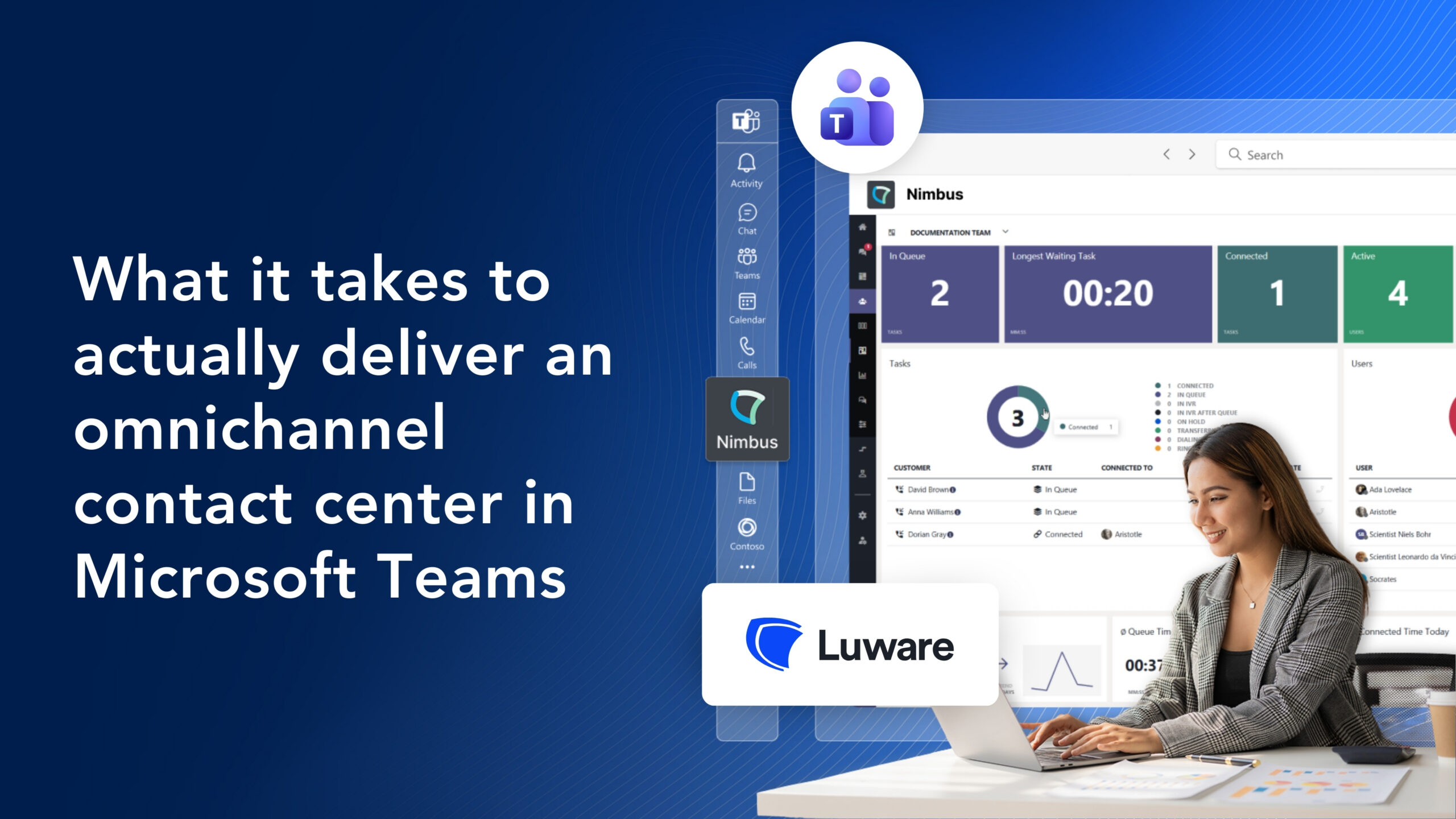
That’s what a Teams-native contact center like Luware Nimbus is built to do. With Luware:
- Voice, web chat, WhatsApp, and SMS all route into the Microsoft Teams interface.
- Agents handle everything from one screen.
- Because it’s built on Teams, they can pull in subject matter experts from across the organization without leaving the conversation.
Why the integration model matters
Not every Teams contact center is built the same way. Microsoft certifies three integration models, and the one your vendor uses determines how deep the experience actually goes.
Connect
The Connect model is the lightest. It links an external contact center to Teams through session border controllers and direct routing. Teams acts as a softphone, but the routing logic, reporting, and management tools all live outside the Microsoft environment.
Agents often end up working across two interfaces. It works, but it’s not seamless.
Extend
The Extend model is where things get more capable. This is what Luware Nimbus uses. It connects directly to the Microsoft Graph and Cloud Communications APIs, which means call control, presence syncing, and collaboration all happen inside the Teams tenant.
Agents don’t leave Teams. Routing decisions use real-time presence data, and because the data stays within the Microsoft 365 environment, compliance and security are simpler to manage.
Unify
The Unify model is the newest path, built on Azure Communication Services. It’s still expanding through 2026, but it points toward even deeper native integration. Luware is already positioned on this roadmap.
The takeaway: if your contact center sits outside Teams, your agents are still switching between tools. The integration model is the first thing to get right.
The network foundation most teams overlook
You can get the software right and still deliver a bad experience. Voice and video are punishing on weak networks. Jitter, latency, and packet loss don’t just degrade call quality. They make your contact center unusable.
Microsoft publishes clear thresholds for Teams calling. This includes keeping latency under 200ms (ideally under 150ms), jitter under 30ms, and packet loss below 2%. Miss those numbers and agents get choppy audio, dropped syllables, and customers who can tell something is off.
Quality of Service (QoS) tagging helps. It prioritizes voice and video packets over background traffic like file syncs and web browsing, so real-time communication gets first priority on the network. But QoS only works if the underlying connectivity is solid to begin with.
This is where the conversation shifts from software to infrastructure. A Teams-based contact center needs reliable, high-performance connectivity at every site. That means dedicated, global internet access, SD-WAN for traffic optimization, and cloud on-ramps like Azure ExpressRoute for the shortest path to Microsoft’s network. For remote or hard-to-reach locations, wireless backup through 5G or LTE keeps agents connected when primary circuits go down.
The software can be perfect. If the network can’t keep up, your customers hear it.
CRM integration and context handover
Omnichannel only works if agents have the right information at the right time. A Microsoft Teams contact center powered by Luware connects to the systems your team already uses and keeps context intact when interactions move between people or channels. This includes:
- Screen pops: When a call or message comes in, Nimbus pulls the customer’s record from your CRM automatically. Agents see the customer’s name, open tickets, and recent history before they say hello. Native connectors support Salesforce, Microsoft Dynamics 365, ServiceNow, and Zendesk.
- Power Automate workflows: Routing decisions can go beyond simple queue logic. A Power Automate flow can check whether the caller is a priority-tier customer, look up an open order status, or update a ticket the moment a call is answered.
- Context handover: When an interaction transfers between agents or departments, the session data goes with it. The receiving agent sees what’s already been discussed, what the customer needs, and where the conversation left off, eliminating “can you start from the beginning” once and for all.
This is what separates a contact center that technically supports multiple channels from one that actually feels seamless to the customer.
Getting the deployment right
The technology can check every box and still fail in rollout. These are the challenges that catch teams off guard most often:
- Number porting: Transferring phone numbers between carriers is a logistical grind. One wrong detail can knock lines offline during business hours. It requires coordination across multiple providers and careful timing.
- Device standardization: Consumer-grade headsets and inconsistent hardware create audio quality problems that no amount of software tuning can fix. Standardizing on Teams-certified devices is a baseline requirement for a professional experience.
- Overflow and after-hours routing: If no one plans for what happens when the queue is full or the office is closed, customers hit dead ends. Overflow rules, after-hours routing, and fallback paths need to be mapped before go-live, not patched after complaints start rolling in.
These are some of the most common reasons Teams calling deployments go sideways. Getting them right takes architecture planning, hands-on deployment support, and a team that stays accountable after launch. That’s the difference between a vendor handoff and a managed delivery.
One platform and partner for true omnichannel customer service
Running an omnichannel contact center in Teams is achievable. But it’s not a single software decision.
It’s a stack of things that all need to work together:
- The right integration model so agents stay in one interface
- A network foundation that can handle real-time voice and video at every site
- CRM integration that gives agents context before the conversation starts
- A deployment plan that accounts for the details most teams miss
Skip any one of those layers, and the experience breaks down. Customers repeat themselves, agents jump between tools, and IT spends more time troubleshooting than improving.
Momentum brings it all together. Connectivity, Teams voice, Luware Nimbus, and ongoing support from one team with one bill and clear accountability.
Embrace omnichannel customer service with Momentum by your side. Talk to Momentum about how you can deploy a Teams-based contact center.
FAQs
What is an omnichannel contact center in Microsoft Teams?
An omnichannel contact center in Microsoft Teams unifies voice, chat, SMS, and WhatsApp into a single agent interface built directly inside Teams. Unlike multichannel setups, where each channel runs on a separate platform, omnichannel means customer context persists across every touchpoint. Agents see the full interaction history regardless of how the customer reached out, and they can collaborate with internal experts without leaving the conversation.
What network requirements does a Teams-based contact center need?
Real-time voice and video require consistent network performance. Microsoft recommends latency under 200ms, jitter under 30ms, and packet loss below 1%. QoS tagging should be configured to prioritize voice and video traffic over background data. Organizations also need reliable connectivity at every site, whether that’s dedicated internet access, SD-WAN, or wireless backup through 5G or LTE for redundancy.
How does Luware Nimbus integrate with CRM systems?
Luware Nimbus offers native connectors for Salesforce, Microsoft Dynamics 365, ServiceNow, and Zendesk. When a call or message arrives, Nimbus matches the customer’s information and triggers a screen pop with their record, open tickets, and recent history. It also integrates with Microsoft Power Automate to add routing logic like priority-tier identification or automated order status lookups.