









Teams Attendant Console

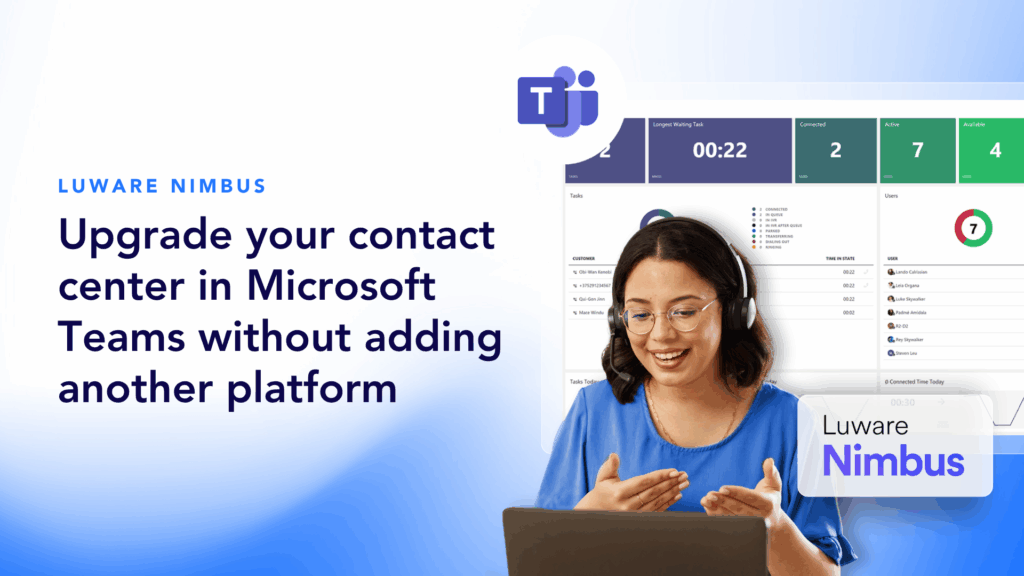
Enhance call and queue management in Microsoft Teams

Upgrade your operators and reception teams with an intuitive attendant console that leverages Microsoft Teams to improve productivity and communication.

Why Choose Momentum?

Improve productivity, efficiency, and decision making for operators

Empower your operators and agents to more effectively manage customer interactions across every one of your channels — all without leaving Microsoft Teams. Maximize the value of your existing contact center investment and Teams licenses with a powerful, user-friendly attendant console.

Trusted by 30,000+ locations globally

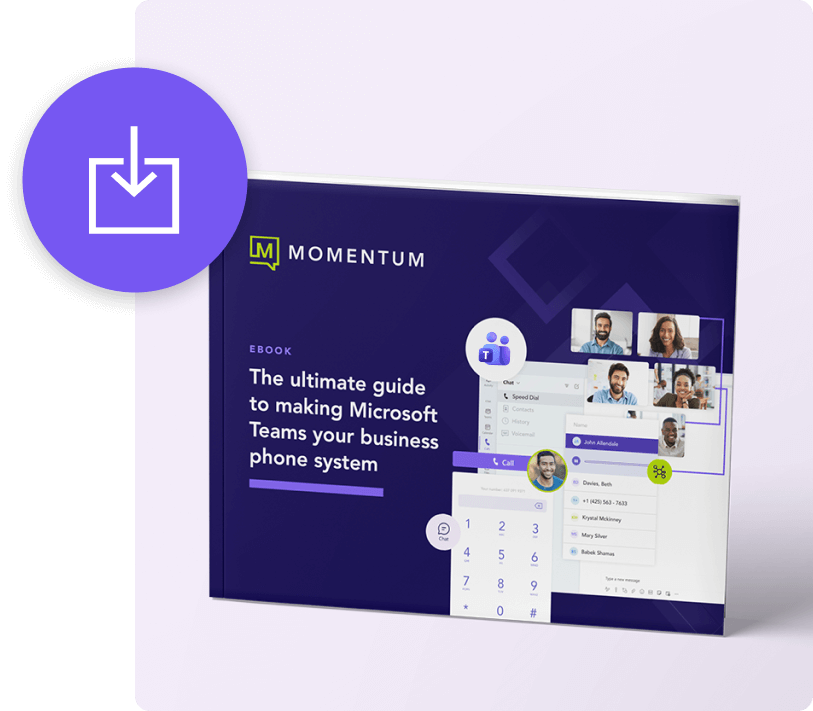
download ebook

How to make Microsoft Teams your all-in-one phone system

Future-proofing your phone system is easy with Microsoft Teams. Download our quick guide and learn your options and the exact steps you can take to make the transition to a Teams-based phone system.

Build strong customer relationships with the Teams dashboard

Modern UI

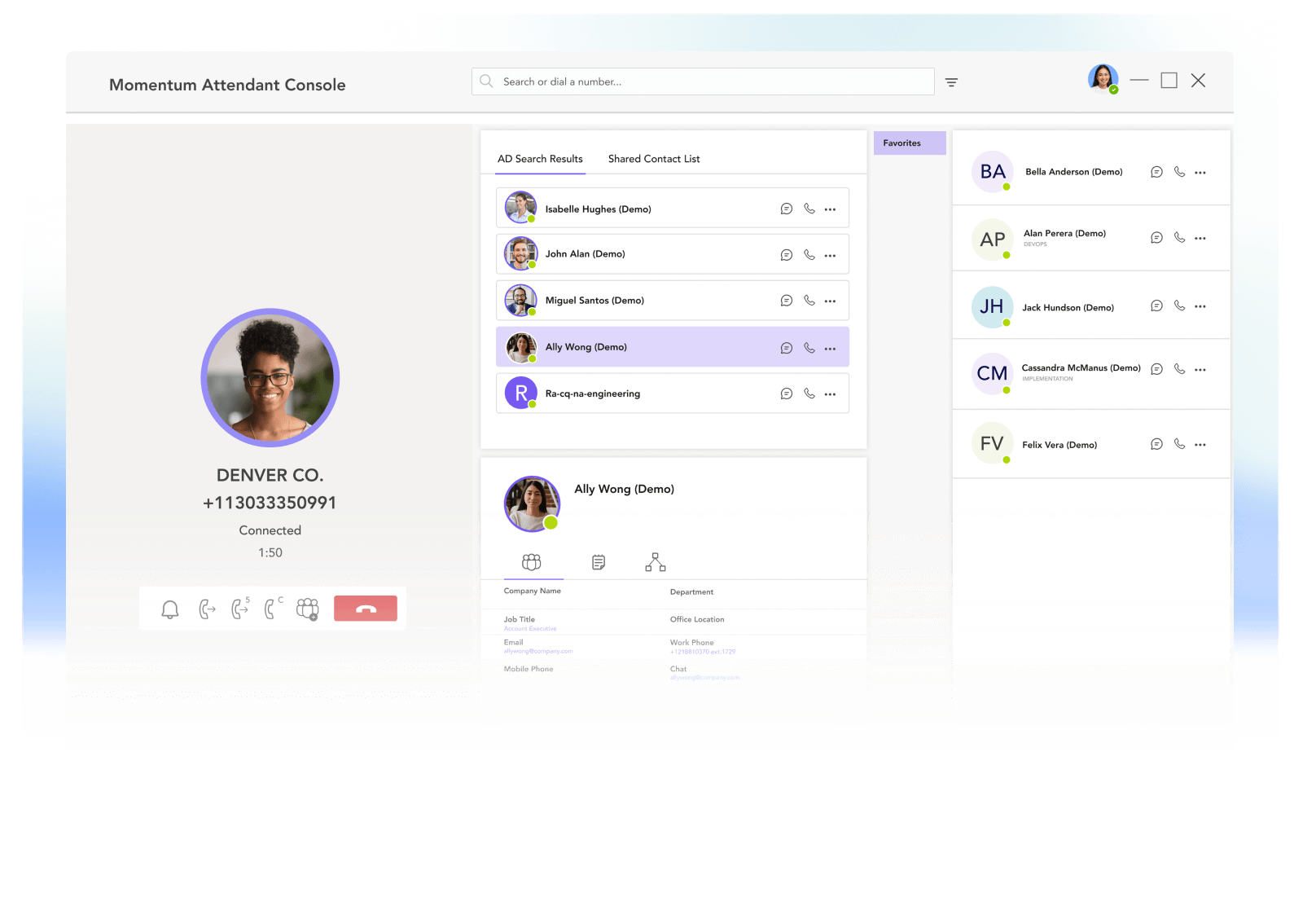
Provide operators with a uniform, comprehensive view of calls and connections from a single pane of glass.

Easy integration

Easily connect your Teams Attendant console to any existing contact center platform.

Intelligent automation

Enhance productivity by automating manual workflows and monitoring of elements like hook state and presence.

High-touch support

Enjoy peace of mind with 24x7x365 support from experts who’ve worked with Microsoft for over a decade.

Fully customizable

Build a console that meets your operators’ needs with extensive personalization and customization options.

Reliable architecture

Our carrier-grade network works with Microsoft’s robust cloud to ensure access from anywhere with a connection.

Give your agents the tools they need to thrive

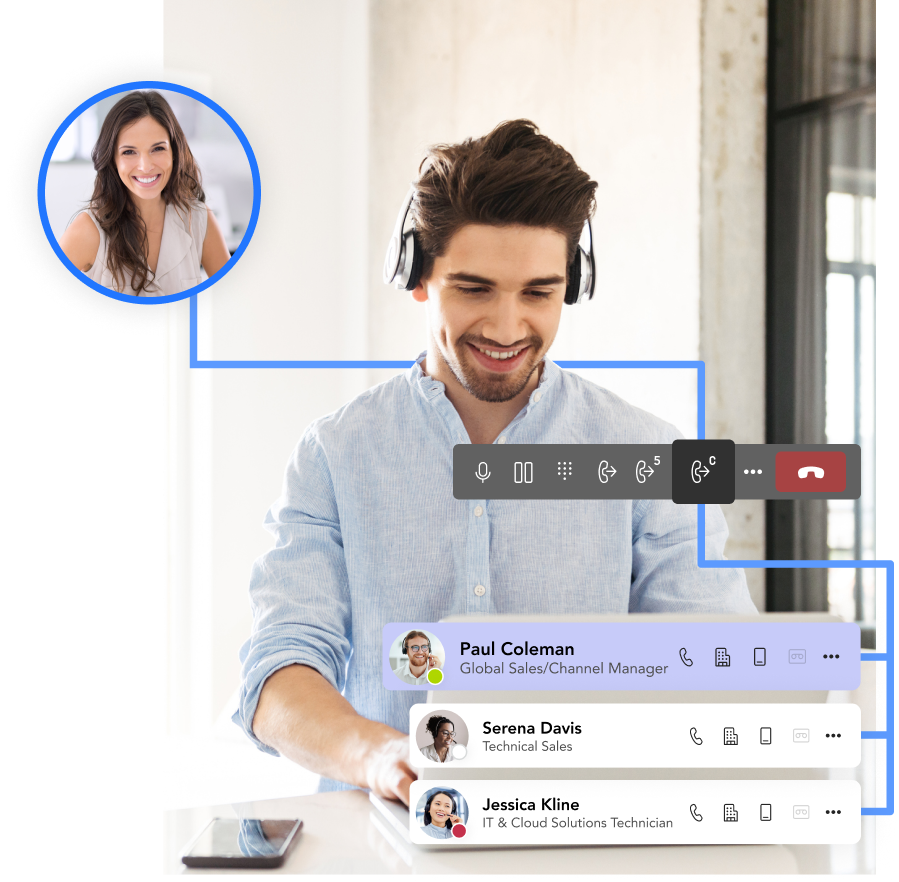
Increase engagement, empower your people, and unleash the full potential of your high volume operators entirely through Microsoft Teams. Improve customer engagement and productivity through a fully-optimized contact center easy with features that include:

Engage with Momentum

Momentum empowers your business with the tools it needs to thrive. Enhance productivity and drive growth with custom solutions for connectivity, communication, engagement, and more.

Carriers & Service Providers
0 +
Enterprise Locations Served
0 K
Cloud Voice & Managed Network Seats
0 K+
related products

Explore Momentum’s other engagement solutions

Make every call count with a modern attendant console

Make every call count with a modern attendant console

Extend both Microsoft Teams and your contact center with intelligent task routing, automation, call handling and more with Momentum.

FAQ

Teams Attendant Console frequently asked questions

What is a Microsoft Teams Attendant Console?

A Microsoft Teams Attendant Console is an embedded interface designed for receptionists, operators, and administrative staff who handle high volumes of incoming calls. It provides advanced call handling features such as one-click transfers, call parking, queue management, and real-time directory access, all within the Microsoft Teams environment. The Attendant Console enables more efficient and professional call management without requiring operators to leave the Teams platform.

How does an Attendant Console integrate with Microsoft Teams?

The Attendant Console integrates with Microsoft Teams through Microsoft’s Graph APIs and Teams calling interfaces. Once configured, the solution accesses Teams call queues, user presence data, and phone system settings to provide operators with a consolidated view of active calls, contacts, and employee availability from a single interface. This native integration means operators work entirely within Teams without switching between separate applications.

What features does a Teams Attendant Console include?

The Teams Attendant Console includes real-time company directories, drag-and-drop call transfers, call parking and retrieval, customizable greetings, busy lamp fields for monitoring colleague availability, advanced search functionality, and one-click call routing. The console is fully customizable, allowing organizations to tailor the interface to match their operators’ specific workflows and call handling requirements.

Does the Attendant Console work with Microsoft Calling Plans, Operator Connect, and Direct Routing?

Yes, the Attendant Console is compatible with all three PSTN connectivity methods for Microsoft Teams: Microsoft Calling Plans, Operator Connect, and Direct Routing. The solution handles inbound and outbound calls regardless of how your organization connects to the PSTN, as long as Microsoft Teams is your core calling platform.

What licenses or subscriptions are required?

To use the Teams Attendant Console, your organization needs a Microsoft 365 or Office 365 license that includes Teams, a Teams Phone System license (included in E5 or available as an add-on for E3/E1), PSTN connectivity through Operator Connect or Direct Routing, and a dedicated Attendant Console subscription. Momentum can help determine the most efficient licensing configuration based on your current Microsoft environment.

Does the Teams Attendant Console support multiple operators or receptionists?

Yes, the Teams Attendant Console can be deployed to multiple users who share call-handling responsibilities. Operators can monitor the same call queues, collaborate on transfers, and view each other’s availability in real time. This shared visibility improves overall responsiveness to inbound calls and ensures that high call volumes are distributed efficiently across your reception or operator team.

testimonials

Hear from our customers

Momentum
Chat