









Call Reporting for Microsoft Teams

Better service, backed by Teams voice analytics

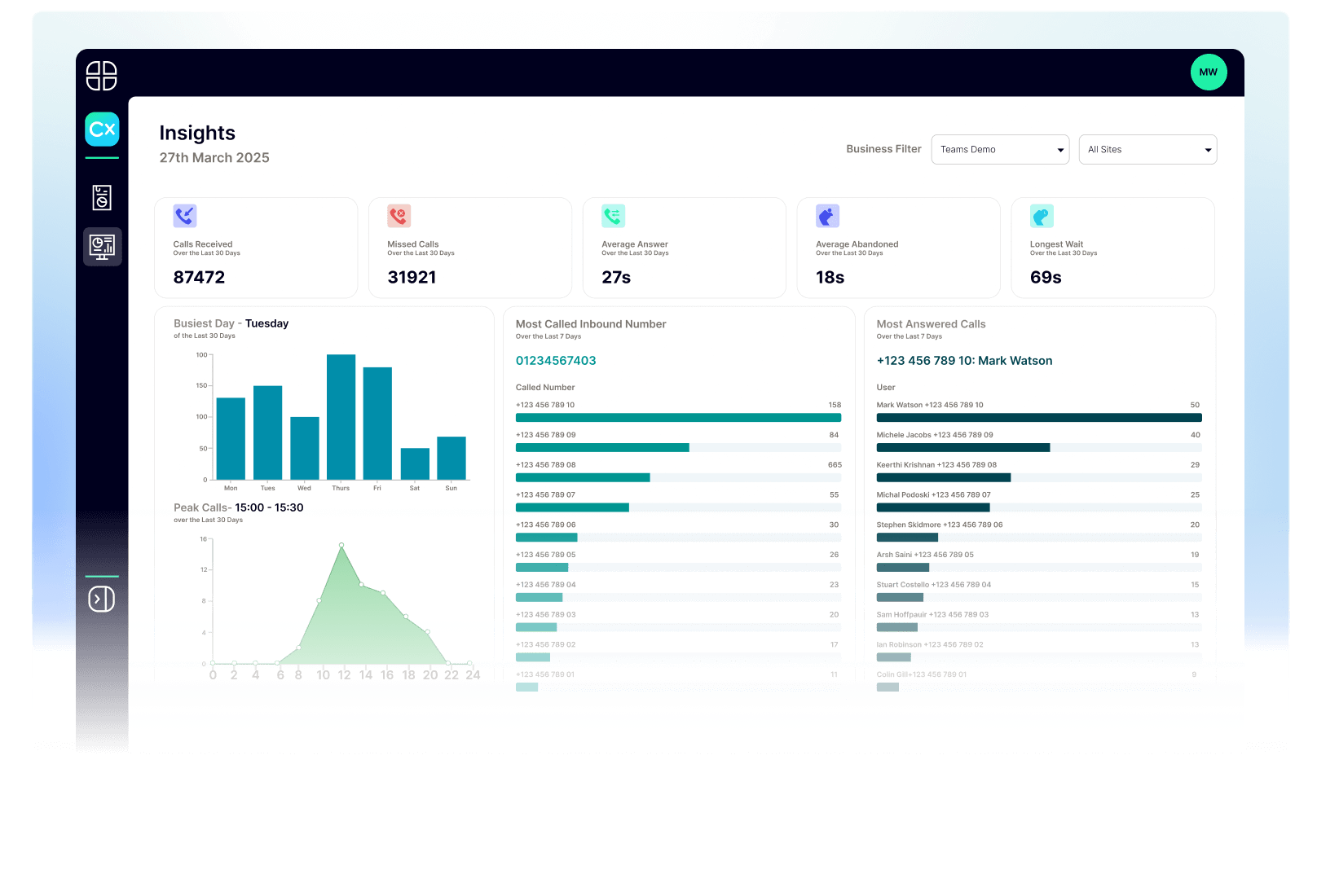
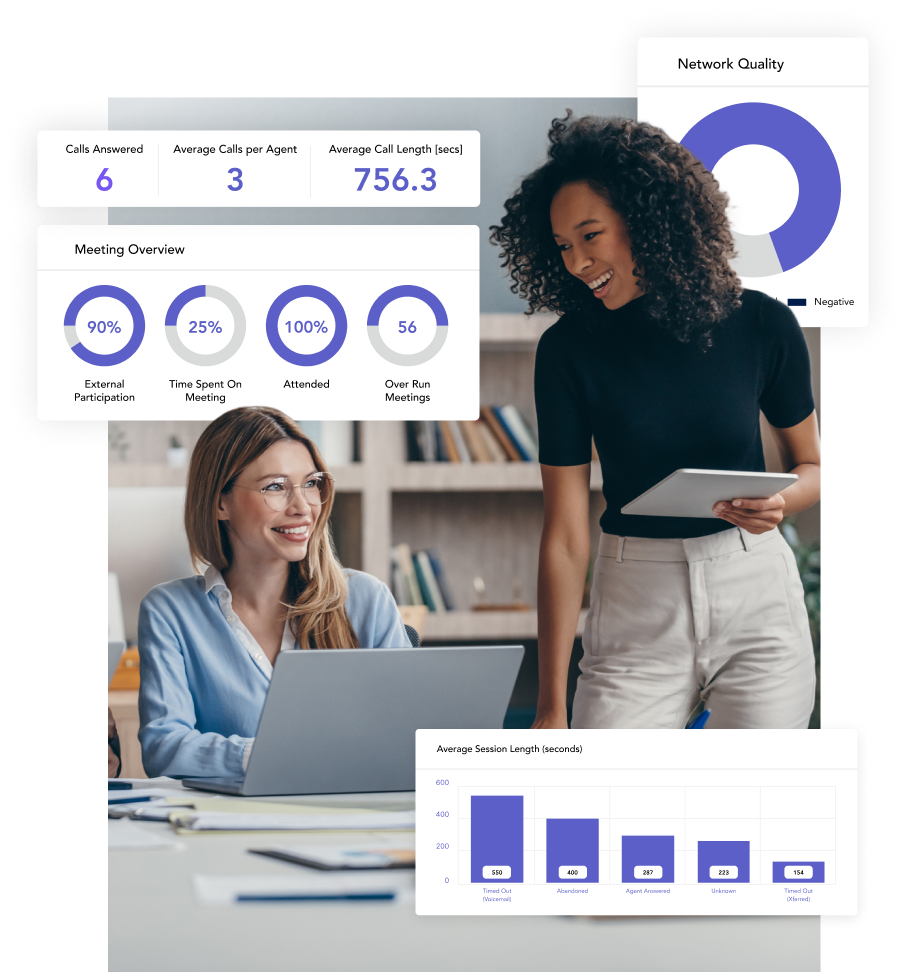
Identify calling patterns, pinpoint bottlenecks, and optimize call management with comprehensive call reporting for Microsoft Teams.

Why Choose Momentum?

Simple, comprehensive call tracking and analytics

Address call abandonment

Reduce customer dropoff, recover potential lost revenue and improve customer service by reporting and following up on abandoned calls with a single click.

Ensure regulatory compliance

Comply with industry regulations such as PCI-DSS, HIPAA, and the GDPR with comprehensive, auditable reports protected by end-to-end encryption.

Broad product portfolio

Combine integrated call reporting with a diverse selection of synergistic products and services, including intelligent recording, SD-WAN, Operator Connect, Teams Voice, and more.

Trusted by 30,000+ locations globally

download ebook

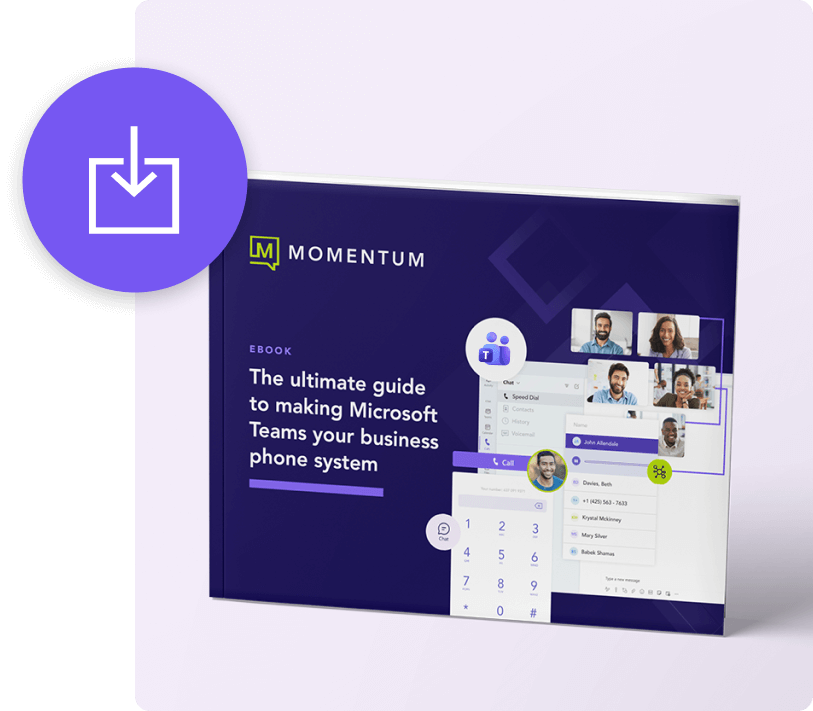
How to make Microsoft Teams your all-in-one phone system

Future-proofing your phone system is easy with Microsoft Teams. Download our quick guide and learn your options and the exact steps you can take to make the transition to a Teams-based phone system.

Data-driven insights for Microsoft Teams communications

Sophisticated analytics

Analyze call handling, wait time, processes, and more with powerful analytics functionality.

High-touch support

Keep your systems online with an expert vendor that offers comprehensive 24×7 support.

More effective calling

Easily calculate call resolution time, analyze wait time, and optimize call handling.

Real-time visibility

See calls in progress, view live call activity within your phone system, and link recordings to CRM data.

Historical call list

Define and search for call information based on a wide range of characteristics with intelligent segmentation.

Efficient management

Manage the entirety of your Team’s Voice deployment with a single, unified administrative portal.

Drive new insights from your Microsoft Teams call data

Turn your call data into powerful insights to create a winning customer experience. Momentum makes it easy to add enhanced call reporting to Microsoft Teams.

Industry Use cases

Call analytics for actionable communication insights

Momentum delivers Teams-based analytics that help organizations improve responsiveness and performance.

Healthcare

Gain visibility into patient communication

Analytics dashboards surface call volumes, wait times, and missed connections, helping care teams identify gaps in patient access and scheduling.

Improve coordination and responsiveness

Track call trends between departments to uncover bottlenecks in care delivery and reduce response times.

Support compliance and quality initiatives

Automatic reporting and secure data storage help healthcare organizations maintain HIPAA compliance and meet audit requirements.

Retail

Turn communication data into performance insights

Monitor store-to-store and customer call activity to understand service demand, staffing needs, and regional trends.

Improve customer experience at scale

Analytics pinpoint response times, peak periods, and call resolution rates, helping teams improve service consistency across all locations.

Align communication with business outcomes

Tie call data to sales and service metrics to see how engagement drives conversions and customer loyalty.

Manufacturing

Gain visibility across operations and partners

Track communication between plants, suppliers, and service teams to identify inefficiencies and improve collaboration across the supply chain.

Monitor performance in real time

Analytics reveal trends in response times and support calls to help production teams resolve issues faster.

Strengthen accountability and quality control

Comprehensive call records and metrics provide the traceability needed for audits, compliance, and customer assurance.

Engage with Momentum

Momentum empowers your business with the tools it needs to thrive. Enhance productivity and drive growth with custom solutions for connectivity, communication, engagement, and more. 

Carriers & Service Providers
0 +
Enterprise Locations Served
0 K
Cloud Voice & Managed Network Seats
0 K+
related products

Explore Momentum’s other engagement solutions

Don’t need call reporting? Check out some of our other analytics and enterprise solutions.

Add better call tracking, reporting, and management

Improve service and enable smarter decision making with a comprehensive call tracking solution designed for Microsoft Teams.

FAQ

Teams Call Reporting frequently asked questions

What is a Microsoft Teams Call Analytics solution?

A Microsoft Teams Call Analytics solution provides detailed reporting and insights into your organization’s Teams-based call activity. Momentum’s Teams Call Reporting solution enables you to track and analyze key metrics such as average wait time, average call duration, abandoned calls, answer time, and many other performance indicators designed to give visibility into your service quality and call management effectiveness.

Why do I need call reporting for Microsoft Teams?

Call reporting gives your organization visibility into call volumes, response times, and quality of service that are not available through the standard Teams admin center. These insights help teams identify calling patterns, uncover bottlenecks, track abandoned calls, and develop data-driven call management strategies. For customer-facing teams, call reporting is essential for measuring and improving the quality of every interaction.

Which types of calls can it analyze?

Momentum’s Teams Call Reporting solution collects metrics across all call types within your Teams environment, including PSTN calls (both inbound and outbound), peer-to-peer calls between Teams users, meetings, and external calls. This comprehensive coverage ensures that every interaction within your Teams phone system is tracked and reportable.

Which types of calls can Microsoft Teams Call Reporting analyze?

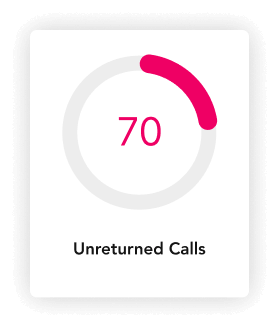
Momentum’s Call Reporting solution tracks a wide range of metrics, including historical call lists, unreturned and lost calls, calls filtered by specific number or DID, and call activity broken down by time of day and day of week. You can also monitor queue performance, wait times, and resolution rates to identify trends and optimize staffing and call flow configurations.

Do I need additional licenses for Teams Call Reporting?

Basic call reporting is included in some Microsoft 365 plans, such as E5, and can be accessed through the Teams Admin Center for organizations with Teams Phone licenses. However, advanced reporting features like historical analytics, scheduled reports, wallboards, and granular user-level data require a third-party solution. Momentum’s Call Reporting solution requires a separate subscription in addition to your existing Microsoft 365 licensing.

Can I drill down to individual user call metrics?

Yes, Momentum’s Call Reporting solution supports pre-defined report templates that can be scheduled for automatic delivery by email on a daily, weekly, or monthly basis. These scheduled reports help management teams stay informed about call performance trends and service quality without manually pulling data, making it easier to maintain consistent quality management across the organization.

Can I create pre-defined and scheduled reports in Teams Call Reporting?

Yes, you can. Our Call Reporting solution lets you schedule pre-defined reports by email daily, weekly, and monthly. These reports can help you improve quality management.

Momentum
Chat