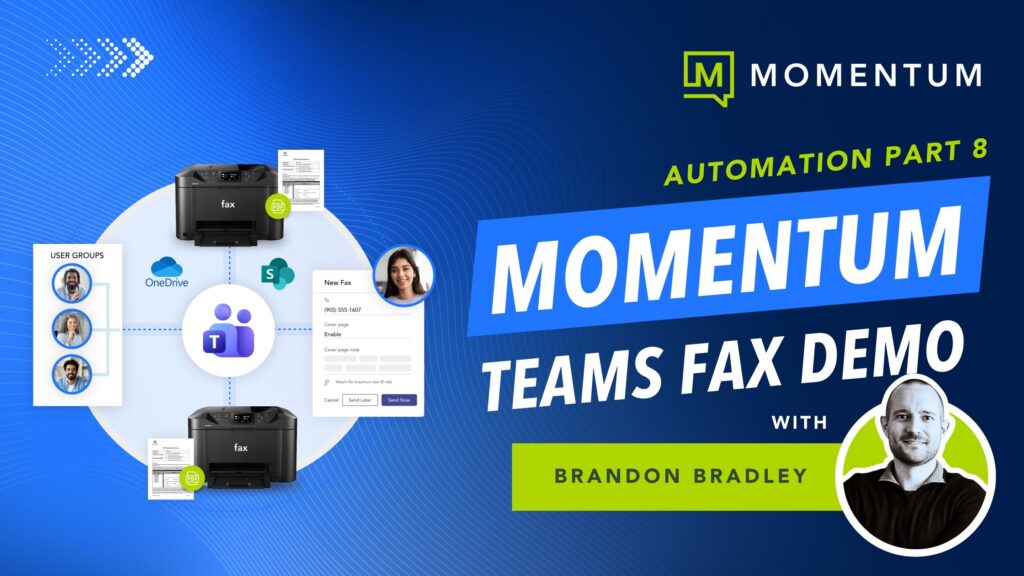
Most cloud fax vendors claim Teams integration, but few are actually built for it.
Some are email-to-fax services with a Teams logo on the marketing page, while others store every fax in their own cloud, under their certifications, with their employees holding the access keys. For HIPAA, PCI, or financial workflows, those distinctions matter.
Three questions cut through the noise: where does the fax data sit at rest, how do users sign in, and what does the dashboard surface for audit? Momentum Teams Faxing answers all three with native Microsoft 365 architecture, so the data lives in your SharePoint, sign-ins flow through Entra ID, and the dashboard exports Call Detail Records for every fax.
In the demo below, Brandon Bradley, VP, Modern Work Innovation at Momentum, walks through both deployment models, the authentication flow, and the CDR export in under ten minutes.
Cloud fax for Microsoft Teams should reuse the controls you already have rather than build a parallel set, and with Momentum the fax tool fits inside the stack your IT team already runs. One provider, one bill, one team.