Faxing isn’t going anywhere in healthcare, legal, finance, or manufacturing because the workflows on the other side still require it. The legacy fax machine is the problem, not the fax itself.
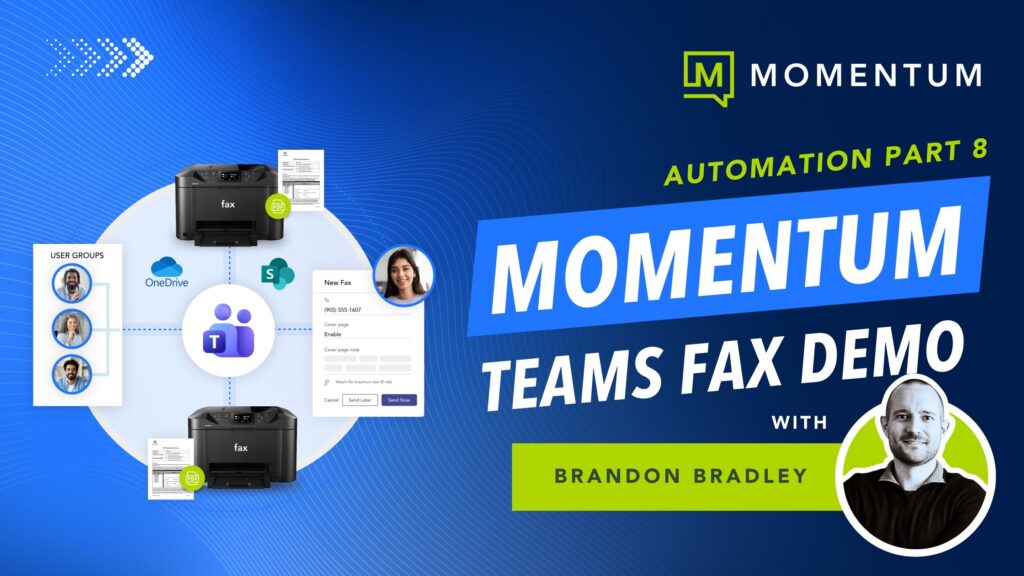
The compose pane in Momentum Teams Faxing reads like an email window, where you type one number or paste a list separated by commas and the same fax goes to every recipient at once. You can drop in multiple attachments in PDF, DOCX, XLSX, JPG, PNG, or TIFF, pick a saved cover page template, add a subject and cover text, and hit send. Every outbound send writes a Call Detail Record that archives to your SharePoint.
No tabs to switch, no portal to log into, and no printer in the loop.
In the demo below, Brandon Bradley, VP, Modern Work Innovation at Momentum, walks through composing and sending a fax to multiple numbers with multiple attached documents in a single workflow.
With Momentum, the entire fax workflow lives inside Microsoft Teams, on the network and storage your IT team already runs. One provider, one bill, one team.