Microsoft Teams Phone

Your team lives in Teams. Your phone system should too

We turn Teams into a complete phone system. Everything you need now, ready for whatever’s next, with experts behind you every step.

Works everywhere

Make phone calls anywhere work happens from any device.

More than dial tone

Add Copilot, analytics, call recording, and enterprise features.

One partner

One Microsoft-certified partner for setup, support, and billing.

Why Choose Teams Phone?

Give your people one place to work and collaborate

Stop making people bounce between apps to get work done. With Teams Phone, calling lives right next to chats, meetings, and file sharing. It’s that simple.

Build the phone system your business deserves

Teams Phone has the features that make collaboration seamless. Here’s what’s included:

Auto attendant

Create customized menus for both internal and external callers.

Call forwarding

Send calls to another user, device, or voicemail when you’re unavailable.

Cloud call queues

Configure call queues with custom greetings, hold music, and more.

Simultaneous ring

Ring multiple devices at the same time so you never miss important calls.

Busy on busy

Route calls based on your Teams status to avoid interruptions during meetings.

Call parking & retrieval

Place calls on hold in Teams and use a unique code to retrieve it.

Caller identification (ID)

Add caller ID that pulls caller information from the company directory.

Integrated dial pad & contact sync

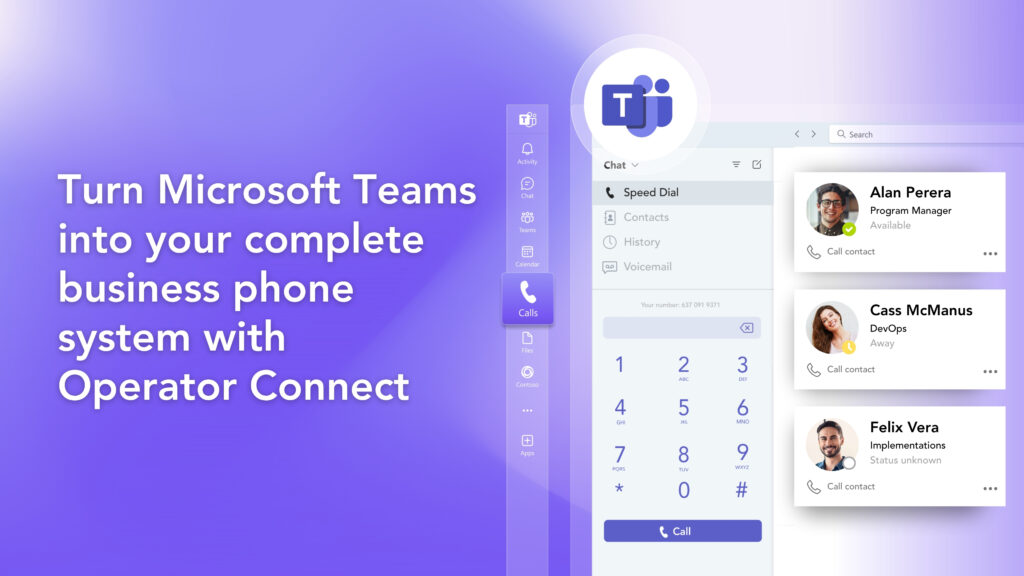
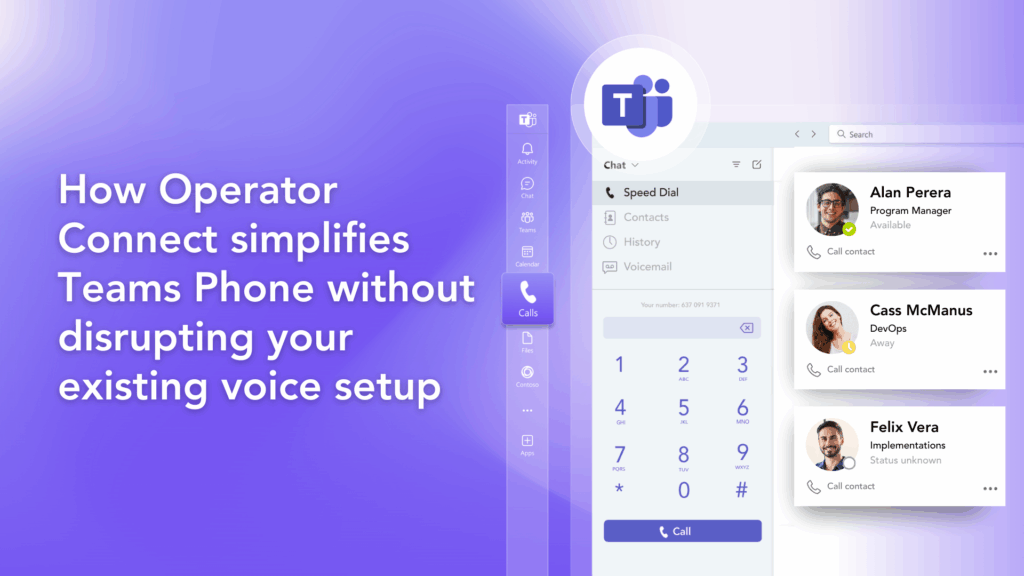
Dial users by name or number with a search bar in the dial pad.

How do you want to deploy Teams?

Choose one of two ways to enable Microsoft Teams phone for your business.

Operator Connect

Bring dial tone to Teams with both managed and self-managed options.

Direct Routing

Add calling to Teams with more control, flexibility, and support for GCC High.

The Momentum Difference

Get more from Teams with the right partner

Momentum is a Microsoft-certified partner with deep expertise in Teams deployments. We’ve been building Teams solutions for years, and we make sure you get the full value from day one.

Enterprise Locations Served
0 K
Cloud Voice & Managed Network Seats
0 K+
MICROSOFT TEAMS USERS
0 K
Microsoft Teams Add-ons

Make Teams yours with powerful add-ons

Extend your phone system with tools built for how your business works. Add analytics, recording, faxing, contact centers, and more, all inside Teams.

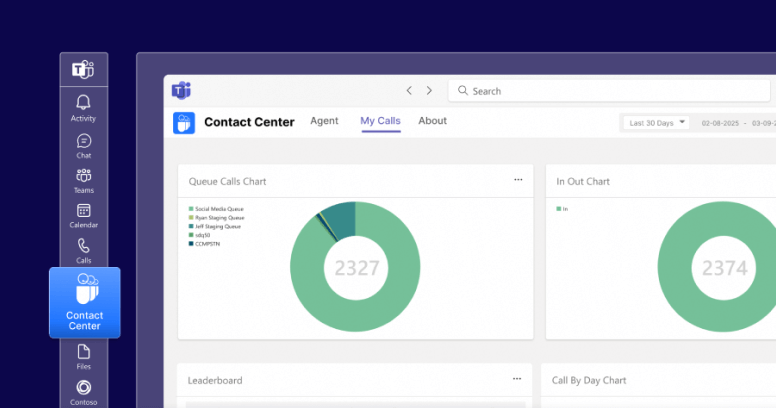
Teams Contact Center

Turn Teams into a full contact center with smart routing and customer tools.

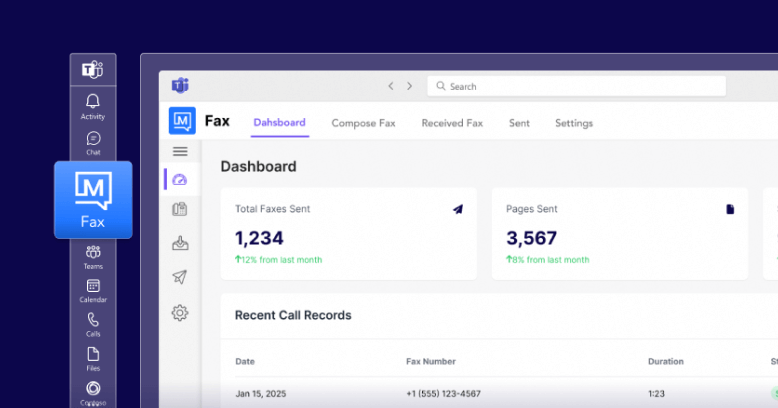
Teams Faxing

Send and receive faxes without leaving Teams or scanning paper.

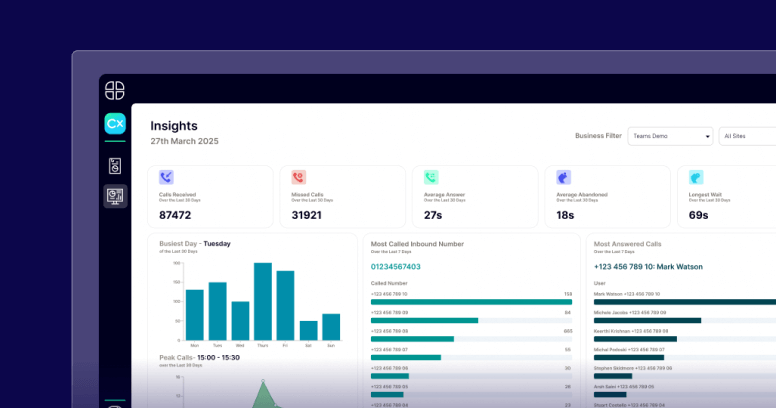
Teams Call Analytics

Track call performance and spot trends with real-time voice analytics.

Teams Call Recording

Record calls for compliance, training, and quality assurance.

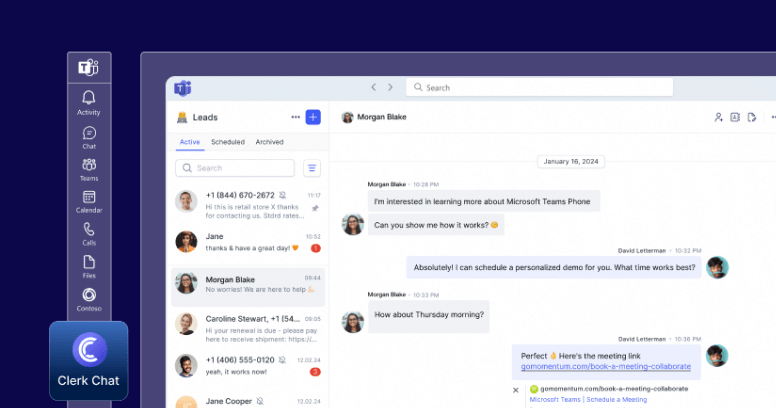
AI SMS & Messaging

Engage customers with AI-powered SMS and messaging in Teams.

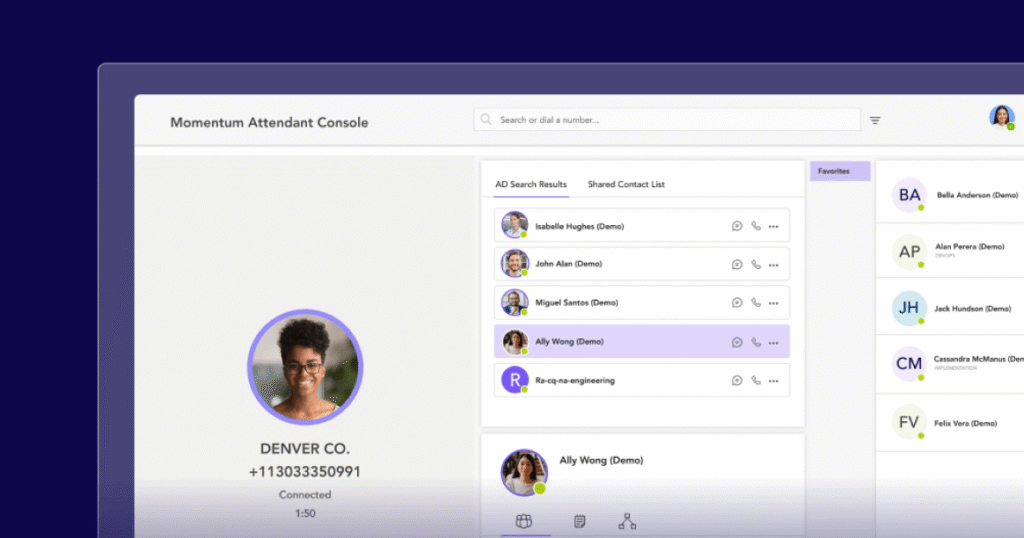
Attendant Console

Give operators full visibility and control over incoming calls.

related products

Build your complete solution with Momentum

Build a better phone system in Teams

Let’s talk about what your business needs and how Momentum can make it happen.

FAQ

Microsoft Teams Phone frequently asked questions

What is Microsoft Teams Phone?

Microsoft Teams Phone is a cloud-based system that adds public switched telephone network (PSTN) connectivity to Microsoft Teams to enable users to make and receive phone calls directly on the Teams platform.

How does Microsoft Teams Phone work?

Teams Phone connects to the PSTN using Microsoft’s calling plans, Operator Connect, or Direct Routing, offering local and international calling flexibility. The solution is available through Microsoft or with an approved Operator Connect carrier.

What are the licensing requirements for Microsoft Teams Phone?

Teams Phone requires a Microsoft 365 or Office 365 subscription, an add-on license for the Phone System, a Microsoft Calling Plan, Operator Connect provider, or a Direct Routing deployment to provide telephony.

Can I keep my existing phone numbers with Microsoft Teams Phone?

Yes, you can keep/port your existing phone numbers. If you plan to use Direct Routing, you can keep your current telecom provider and numbers while integrating them into the Teams Phone system.

Do I need special hardware to use Microsoft Teams Phone?

No special hardware is required to use Microsoft Teams Phone, as it works on any device that supports Microsoft Teams, including desktops, laptops, tablets, and smartphones.

Is Microsoft Teams Phone secure?

Yes. Microsoft Teams Phone leverages enterprise-grade security and compliance measures, including end-to-end encryption provided by Microsoft.

Momentum
Chat