









Teams Faxing

The easiest way to add secure faxing to Microsoft Teams

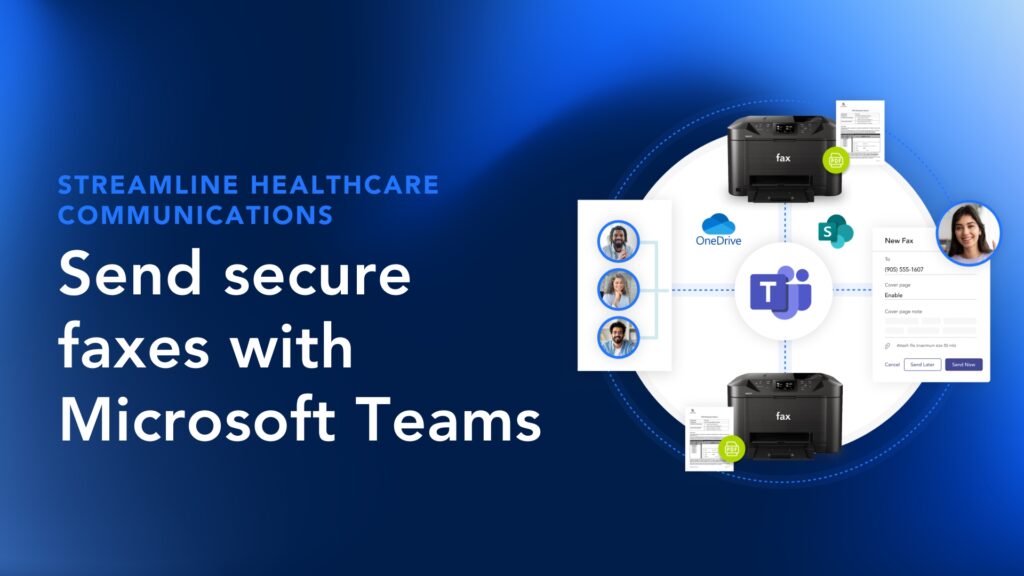
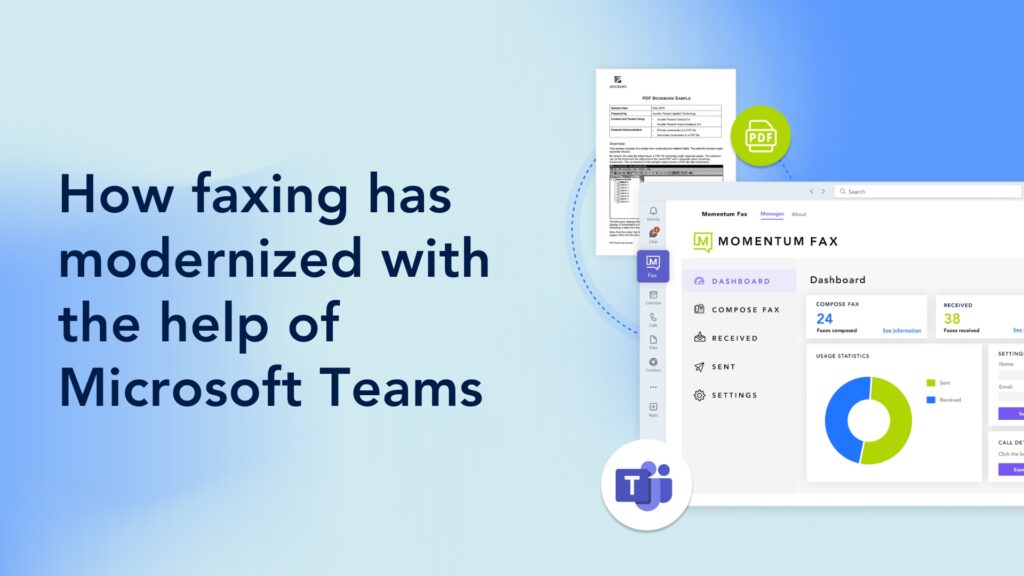
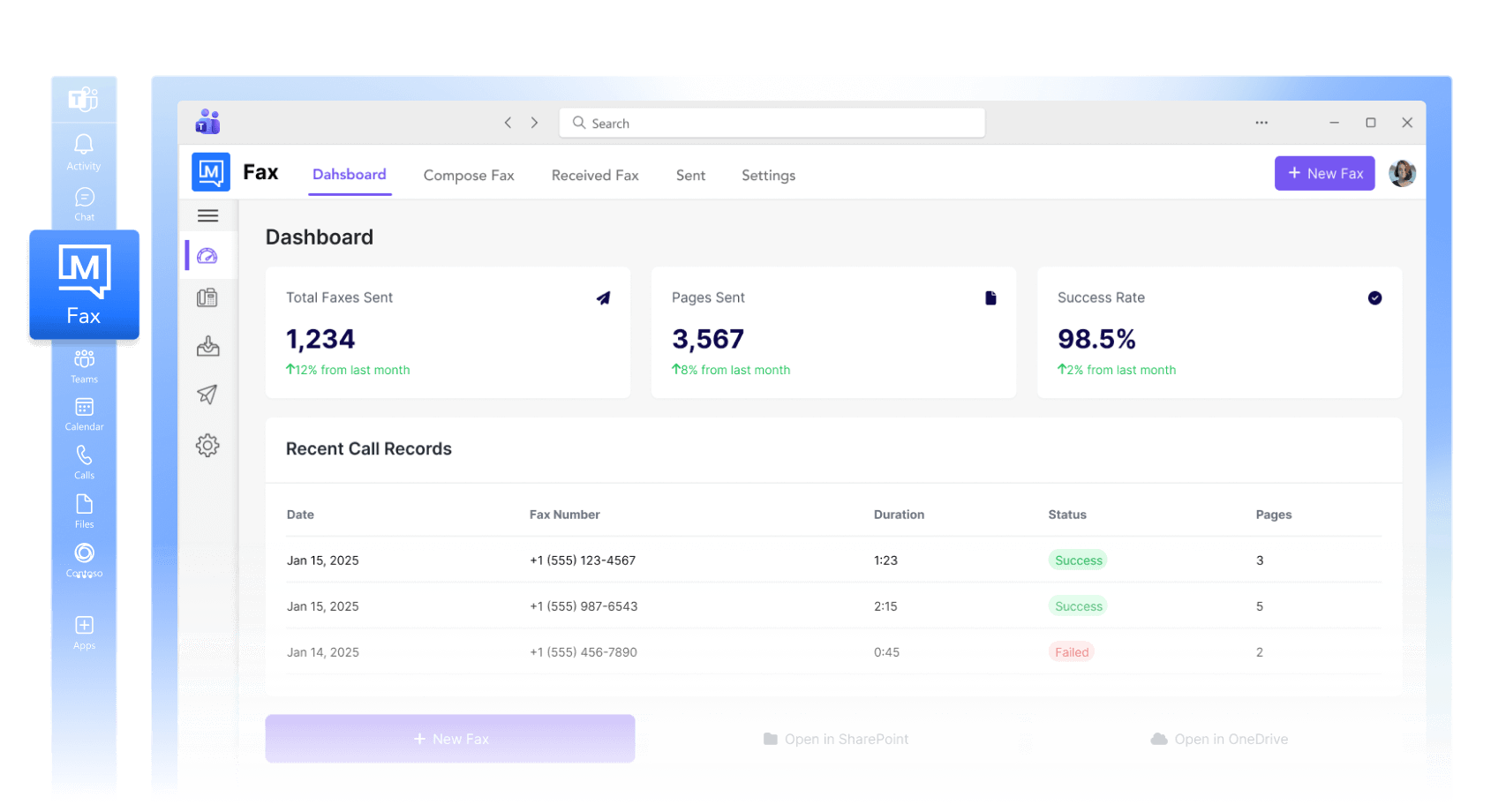
Turn Microsoft Teams into a secure, full-feature virtual fax machine that works from any device. No hardware or software required.

WHY MOMENTUM FAXING?

Built for compliance. Designed for simplicity

Best-in-class Microsoft security

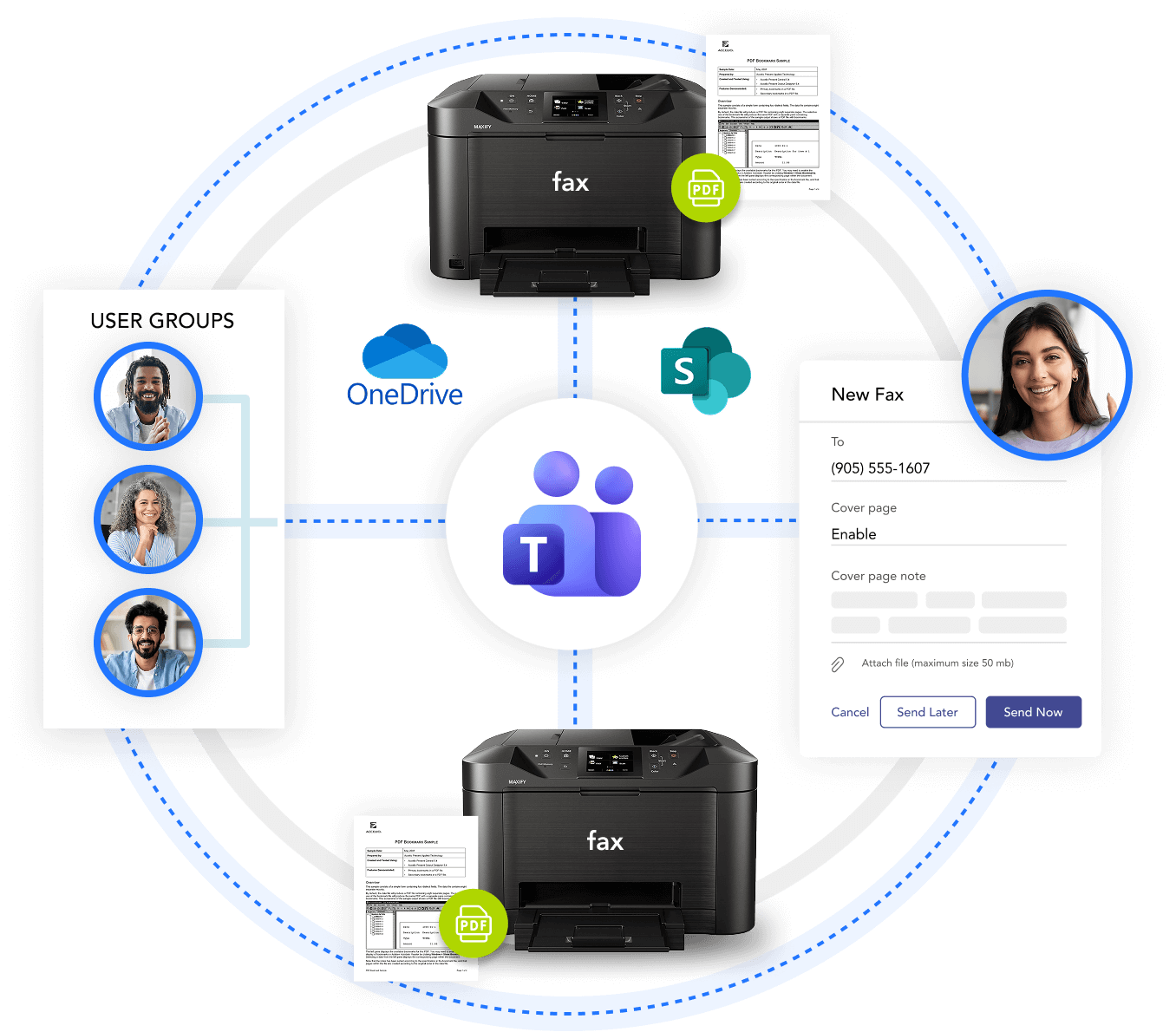
Store documents in Microsoft OneDrive/SharePoint with data loss prevention tools that meet even the strictest compliance requirements.

Fully integrated experience

Send and receive faxes anywhere in Microsoft Teams, including by smartphone. Real-time status and instant error alerts keep your team informed at every step.

Build your own workflows

Create custom, automated processes for faxes, from file labeling to full integration with Salesforce.

Designed with compliance in mind

Archive every fax document and fax detail record (CDR) to SharePoint or Azure for persistent, HIPAA-ready records with direct Power BI connectivity.

Trusted by 30,000+ locations globally

Features that support how your team actually faxes

Compliant security

Industry-leading security standards ensure every fax stays protected. Plus, we never retain your data on our servers.

Fax from anywhere

Automatically create files in SharePoint whenever you send a fax to Microsoft Teams from any smartphone, tablet, or computer.

CDR archiving

Export call detail records on a schedule and store them in SharePoint or Azure for HIPAA and Power BI reporting.

Unmatched flexibility

Use existing numbers or new toll-free or toll numbers, then fax manually or schedule in advance. 

Microsoft SSO

Allow your users to authenticate with Microsoft 365 credentials to enable seamless, secure SSO. 

Cover page templates

Create custom fax cover page templates, set a default, or apply different templates per department or use case.

Multi-file sending

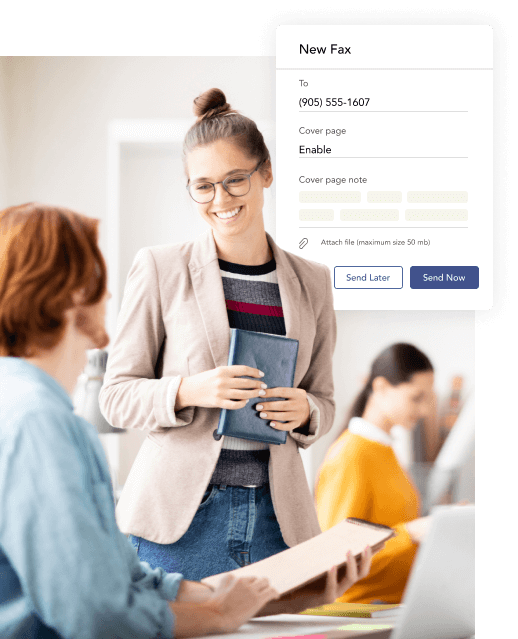
Attach more than one file to a single fax and send everything your recipient needs in one transmission.

Multi-party sending

Send the same fax to multiple destinations at once without repeating the process for each recipient.

Multi-format support

Send and receive faxes as PDFs, TIFFs, HTMLs, or in formats supported by Word and Excel.

Make faxing as easy as sending an email

Keep communication lines free, improve efficiency, and enhance productivity by enabling faxing directly within Microsoft Teams. Provide employees with a familiar, intuitive interface supported by best-in-class Microsoft security and the full Microsoft 365 ecosystem.

Industry Use cases

Trusted by the industries where compliance isn't optional

Momentum delivers a secure, compliant way to send and receive faxes without hardware, helping businesses simplify communications.

Healthcare

Modernize critical document exchange

Replace legacy fax machines with secure, cloud-based faxing directly within Microsoft Teams to transmit patient records and referrals instantly.

Maintain compliance without compromise

HIPAA-compliant fax encryption and detailed audit trails ensure every transmission meets healthcare privacy and regulatory standards.

Simplify administration across sites

Centralized fax management lets IT teams monitor and control activity across clinics, hospitals, and partner organizations from one dashboard.

Retail

Digitize store and vendor communication

Enable secure, digital faxing from Teams for invoices, purchase orders, and compliance documentation across distributed retail locations.

Improve supply chain efficiency

Automated routing ensures documents reach the right supplier or warehouse instantly, reducing manual handling and errors.

Unify management and recordkeeping

Centralized tracking and storage simplify audit readiness and eliminate lost or misfiled paperwork.

Manufacturing

Securely exchange technical documentation

Send blueprints, work orders, and compliance certificates directly through Teams faxing, protecting sensitive data with encryption and access controls.

Support global operations with ease

Cloud-based faxing allows engineers, suppliers, and quality teams to exchange documents instantly across facilities worldwide.

Enhance traceability and compliance

Built-in reporting and archiving provide a verifiable record of every transmission for audits and industry certification requirements.

Built on a network your business can count on

Looking for more than cloud faxing? Discover other solutions you can use to transform Microsoft Teams.

Suppliers & Carriers
0 +
Happy Customers
0 K
Cloud Voice & Managed Network Seats
0 K+
related products

Explore Momentum’s other engagement solutions

Looking for more than compliance-based recording? There are plenty of other ways Momentum can help — check out some of our other solutions below.

Replace your fax machine without replacing your workflow

Replace your fax machine without replacing your workflow

Book a meeting to see how you can replace your fax machine with an ultra-secure, compliant Teams faxing solution.

FAQ

Teams Fax frequently asked questions

Can I send a fax directly from Microsoft Teams?

Yes. Momentum's Teams Faxing lets you send and receive faxes entirely within Teams from a desktop or smartphone with no hardware or separate software required.

What file types can I send as a fax through Microsoft Teams?

You can send PDFs, Word documents, Excel files, TIFF images, HTML files, and more. You can also attach multiple files to a single fax and send everything in one transmission.


Is Microsoft Teams faxing HIPAA compliant?

Yes. Every transmission is encrypted and automatically archived to your own SharePoint or Azure environment. Records are persistent, audit-ready, and meet HIPAA privacy and security requirements.


Can I send the same fax to multiple recipients at once?

Yes. Multi-party sending lets you deliver the same fax to multiple destinations in a single send without repeating the process for each recipient.

How are fax records stored and archived?

Records are archived to your own SharePoint or Azure environment on a schedule you control. You retain full ownership of the data and can connect it to Power BI for compliance reporting.

How long does it take to set up Teams faxing?

Setup is straightforward. Momentum handles deployment and configuration, and your team can use existing fax numbers or new toll-free or toll numbers from day one.

Momentum
Chat