Add intelligent call recording for compliance to Teams
Leverage a AI-driven recording engine designed specifically for Microsoft Teams with automatic transcription, call scoring, and sentiment analysis — no hardware required.
Record every call made through Microsoft Teams
Improve compliance, avoid liability
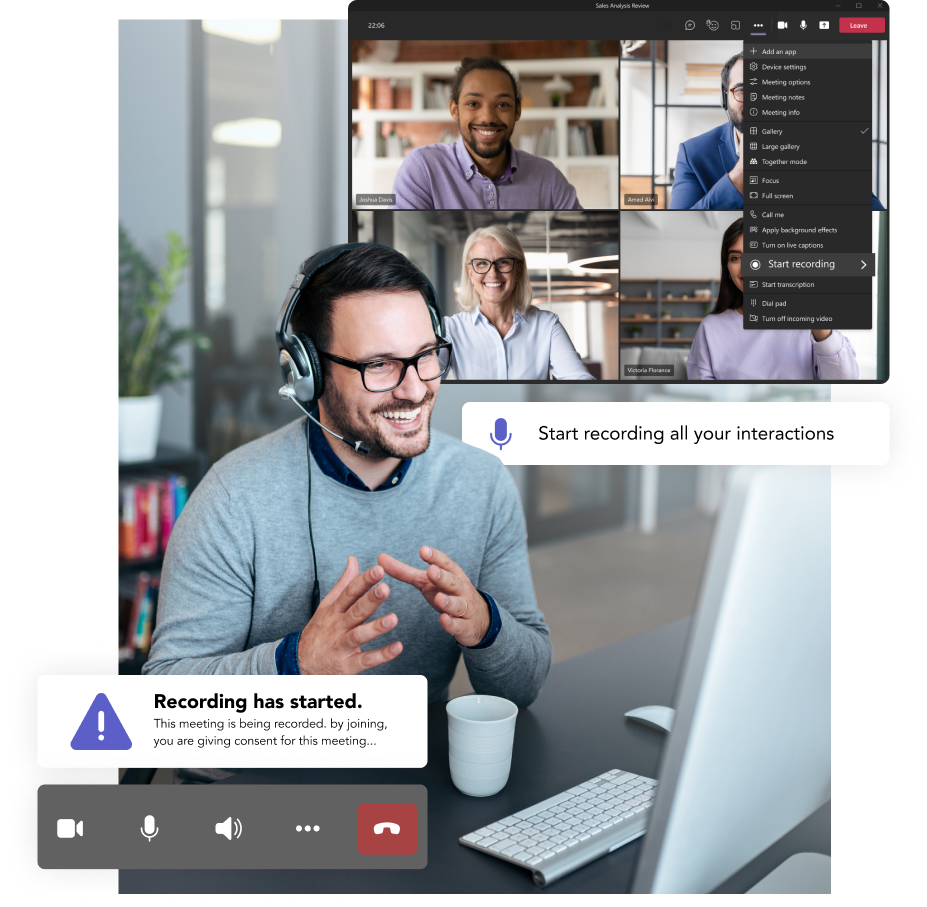
Address disputes, mitigate liability with tamper-proof audio and video recordings, and ensure compliance with built-in recording notifications and 256-bit encryption.
Fast deployment
Provision recording endpoints in minutes with no installation, service, or storage required and enable call recording simply by adding a user to a security group.
Enable better workforce management
Create customizable post-call surveys for agent evaluation and training and use artificial intelligence to automatically assess and score calls.
How to make Microsoft Teams your all-in-one phone system
Download our guide and learn your options and the exact steps you can take to make the transition to a Teams-based phone system.
AI-powered call recording with built-in compliance
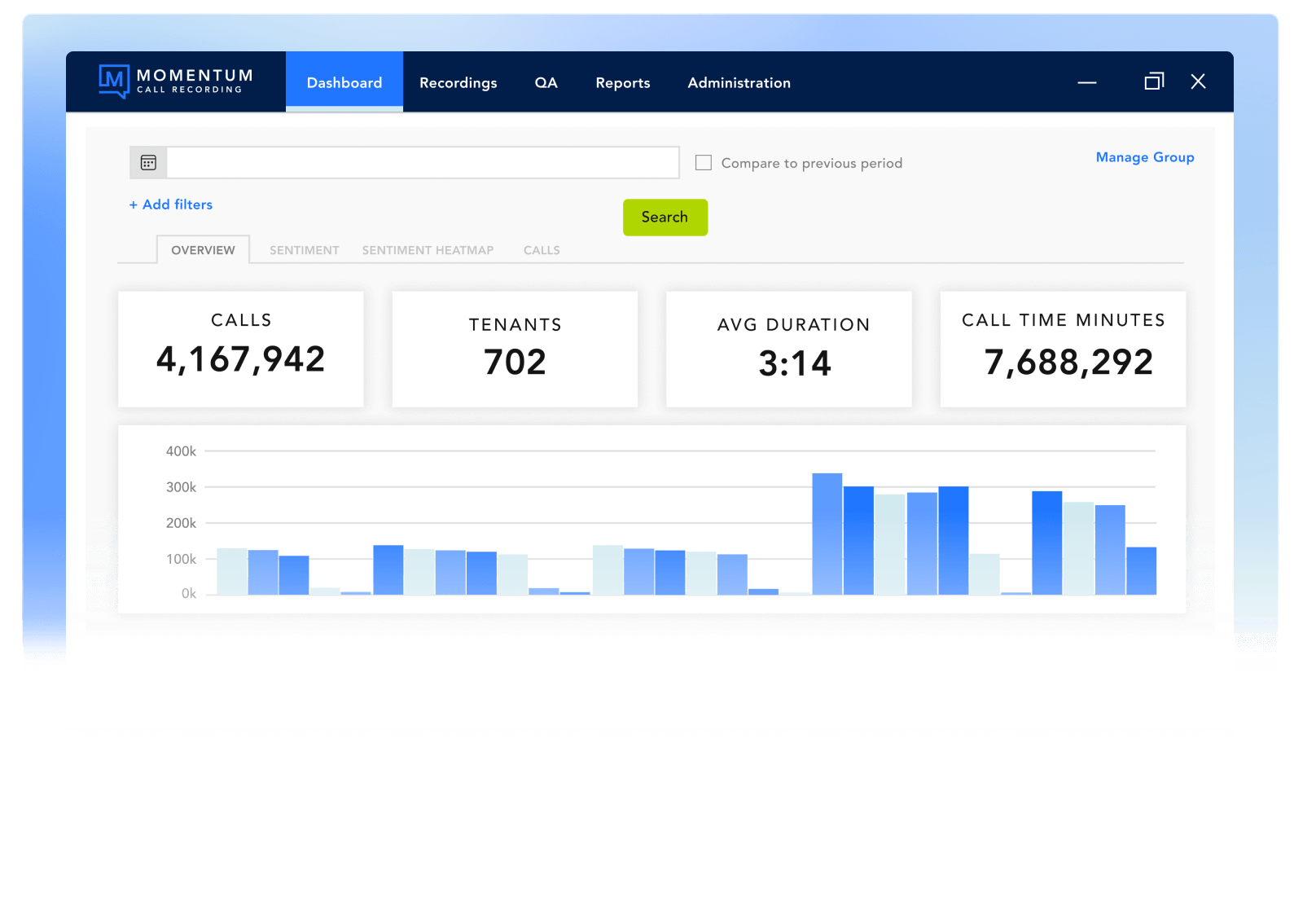
Intuitive web portal
On-demand recording
Targeted sessions
Native functionality
Fully AI integrated
High-touch support
Make call recording and compliance simple
Purpose-built for Microsoft Teams, Compliance Call Recording can capture audio, video, screenshots, and agent desktops. Designed for ease of use, Compliance Call Recording simplifies compliance with MIFID II, HIPAA, GDPR, and more.
- Built-in recording notification and configurable compliance recording banner.
- Restrict recordings to browser-only, blocking potentially unauthorized downloads.
- Save recordings for up to seven years with 256-bit encryption.
- Compatibility with P2P, Teams to Teams, and cross-organization.
Engage with Momentum
Momentum empowers your business with the tools it needs to thrive. Enhance productivity and drive growth with custom solutions for connectivity, communication, engagement, and more.
Explore Momentum’s other engagement solutions
SMS for Microsoft Teams
Improve customer engagement by adding two-way SMS texting to Microsoft Teams.
Teams Contact Center
Streamline customer interactions, call flows, performance, and more with an AI-driven platform.
Teams Attendant Console
Equip your Team’s deployment with a range of advanced call management features.
Teams Call Reporting
Gain a competitive edge with a sophisticated contact center analytics platform.
Make compliance easy with call recording for Teams
Compliance doesn’t have to be hard. Discover an intuitive, feature-rich recording call recording solution that takes only minutes to deploy without any server management or maintenance.
Teams call recording frequently asked questions
Compliance Call Recording for Microsoft Teams is a specialized recording solution designed to automatically capture and securely store voice, video, and screen-sharing sessions for organizations that must meet specific regulatory requirements. It supports compliance with standards such as PCI-DSS, HIPAA, GDPR, and MiFID II by recording and archiving conversations according to policy-defined rules. Momentum’s solution is AI-driven, with built-in transcription, call scoring, and sentiment analysis, and deploys in minutes with no hardware required.
Industries such as finance, healthcare, and legal are required to record and retain all calls to meet regulatory obligations. Compliance Call Recording captures every relevant interaction, stores it with tamper-proof 256-bit encryption, and creates a complete audit trail to support legal and regulatory compliance. Without a dedicated compliance recording solution, organizations risk gaps in their record-keeping that could lead to regulatory penalties or legal exposure.
Native Teams meeting recording is user-initiated, stored in OneDrive or SharePoint, and can be turned on or off at will. It is primarily designed for collaboration and note-taking. Compliance Call Recording is policy-based and automatic, meaning it enforces recording for designated users or call types without allowing end users to stop or pause the recording. It also includes enhanced security features such as tamper-proof storage, strict access controls, configurable retention rules, and auditing capabilities that native recording does not provide.
Depending on your organization’s policies, compliance call recording can capture PSTN calls (both inbound and outbound) made through Teams Phone, peer-to-peer voice and video calls within Teams, meetings and conference calls including screen sharing, and agent desktop activity. Momentum’s solution also supports audio, video, and screenshot capture for comprehensive compliance coverage.
You will need a Microsoft 365 or Office 365 subscription with Teams access, a Teams Phone license (included in E5 or available as an add-on for E3/E1), and a subscription to Momentum’s Compliance Call Recording solution. The recording solution is provisioned quickly by adding users to a security group, with no server installation or maintenance required.
In a compliance scenario, yes. The solution enforces automatic recording for designated users or specific call types based on your organization’s policies. End users cannot stop or pause the recording when compliance recording is active. However, organizations can tailor their recording policies so that only specific users, departments, or call scenarios are recorded, depending on their regulatory and business requirements.