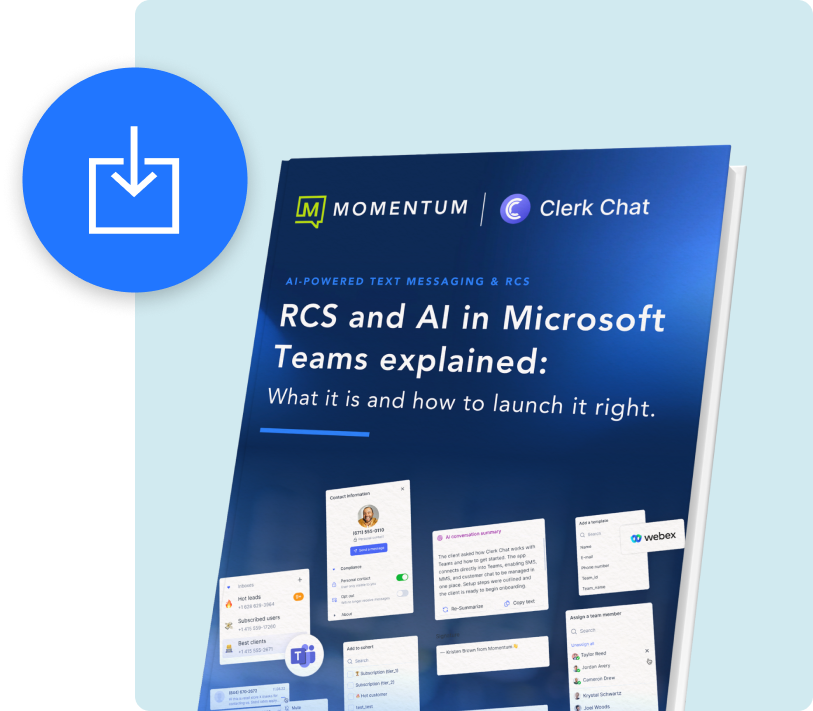
RCS and AI in Microsoft Teams explained: What it is an how to launch it right.
Learn how Momentum Messaging gets RCS, AI, and Teams working in sync so your people can manage every message, conversation, and conversion without switching context.
RCS and AI in Microsoft Teams explained: What it is and how to launch it right.
RCS upgrades ordinary texting with verified brand identity, tappable buttons, and interactive cards that live inside the native messaging app. Pair that with AI automation and a unified workspace like Microsoft Teams, and you turn simple notifications into real customer journeys that are branded, secure, and ready for action.
Still, it’s important to understand that RCS text messaging isn’t for all businesses, and not all companies will get approved right away.
Inside this eBook:
- Learn about RCS and what makes it different
- Discover who can get RCS verfied and how approvals work
- How RCS supercharges customer engagement with AI and automation
Discover how Momentum Messaging powered by Clerk Chat connects RCS, AI, and Teams and finally turns messaging into a real business advantage.